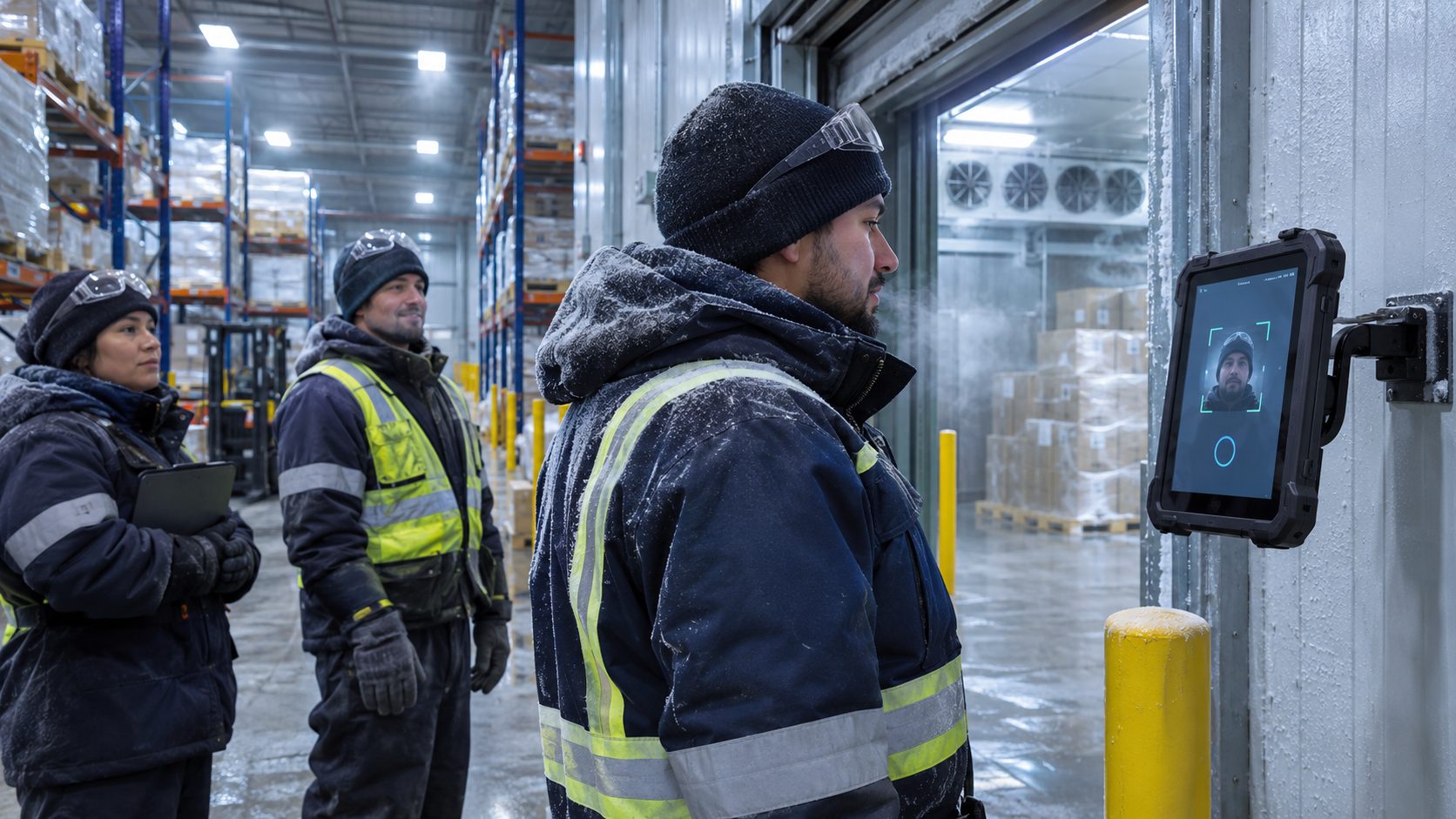
Underground shift time is hard to record where signal does not reach. See how offline tablet punches capture each step from portal to working section, store it on the device and send it to payroll once the crew is back in range.

TL;DR
- Underground shift records often rely on paper sheets and memory because signal and wall clocks do not reach the working areas.
- Record time at each defined point, from the portal to the working section and back out.
- Store every punch on the tablet and sync it once the crew is back in range.
- Keep an edit trail so every correction shows who changed it and why.
- Your agreements, pay rules and counsel decide what is payable, and the clock records the time.
Table of Contents
- Why underground shift time is hard to record
- Portal-to-portal pay for underground miners starts with accurate records
- How CloudApper AI TimeClock records time from portal to portal
- Recording every minute from portal to portal
Portal-to-portal pay for underground miners starts with a record that is hard to capture below ground: when each person passed the portal, rode the cage, reached the working section and came back out. There is no signal down there and often no wall clock, so shift records get rebuilt afterward from lamp-house logs, foreman notes and memory. A better approach is to record each step as it happens, keep the punch on the device while the network is out of reach, and send everything to payroll once the crew surfaces. CloudApper AI TimeClock is built for this on everyday tablets, works with Workday, UKG, Oracle and Dayforce, and runs on iPads and Android tablets.
Why underground shift time is hard to record
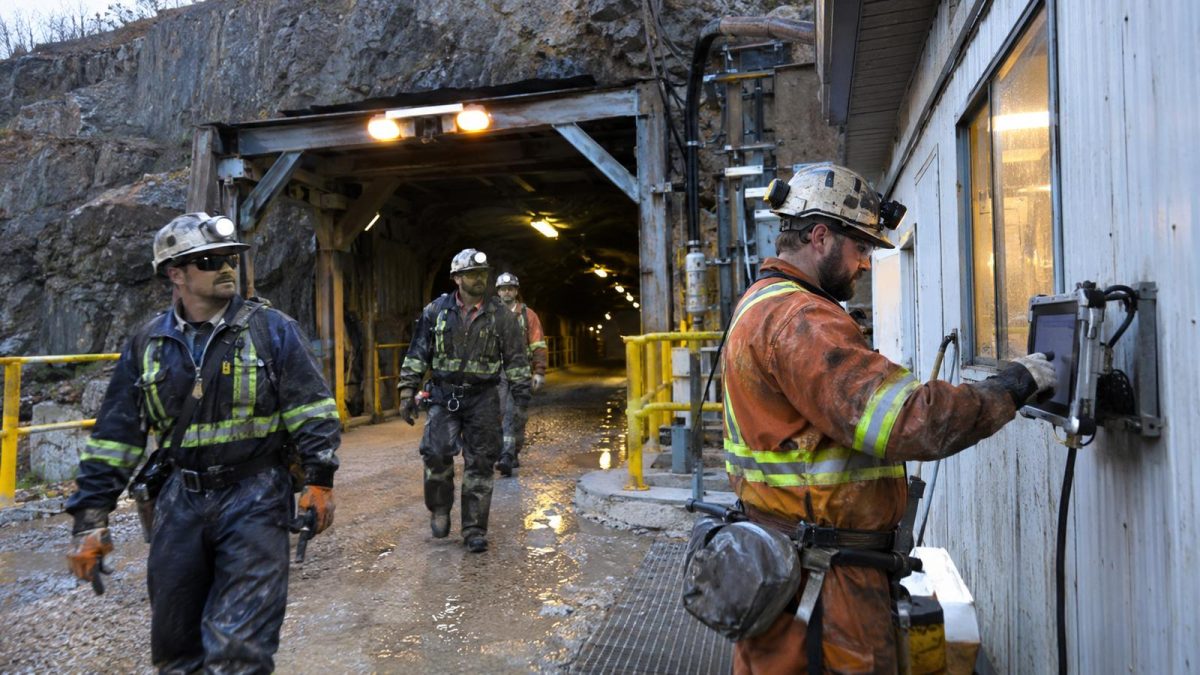
The part of a mining shift that gets the most questions is rarely the work at the face. It is the walk from the portal, the wait for the cage, the ride in and the trip back out. Those minutes happen where phones do not connect and a fixed clock is hard to install, so most sites fall back on paper sheets or a lamp-house count.

Paper creates its own problems. A foreman fills in the crew’s start time from memory at the end of the shift. Two miners ride out together and one gets written down at the wrong time. A supervisor rounds a trip to the nearest quarter hour because the sheet has no room for anything else. Months later, when someone asks what happened on a specific Tuesday, the record is an estimate with a signature on it.
Large crews make this harder. When fifty people come off a shift within a few minutes, nobody has time to log fifty exits by hand, so exits get batched and payroll receives times that are only approximate.
Portal-to-portal pay for underground miners starts with accurate records
Every mine decides how underground travel time is treated through its own agreements, policies and the rules that apply to it. Those rules differ by contract, by state and by operation, and they change over time. Your legal counsel and labor relations team are the right people to decide what is payable. This article is general information and is not legal advice.
What every one of those decisions has in common is that it needs reliable times. If your site tracks when each person crossed each point, your team has the facts it needs, whatever the answer turns out to be.
The workforce involved is large. The Mine Safety and Health Administration counted about 327,000 miners across U.S. mines in fiscal year 2025, and many of them start and end shifts at portals, lamp houses and gates. The same recording approach applies to coal and metal mines, quarries, tunneling contractors and shaft-sinking crews.
Good employee time tracking for this work comes down to three habits. Record the time at each defined point, not just at the start and end of the shift. Store each punch locally so a dead zone does not leave gaps. And keep an edit trail, so a corrected time shows who changed it and why.
How CloudApper AI TimeClock records time from portal to portal
CloudApper AI TimeClock is time tracking software that turns a standard tablet into an enterprise time clock. For a mine, tablets can sit where the shift changes hands: the lamp house, the portal or cage entrance and, where your site’s safety and equipment requirements allow electronic devices, the working section. Each punch can carry the place and the time.
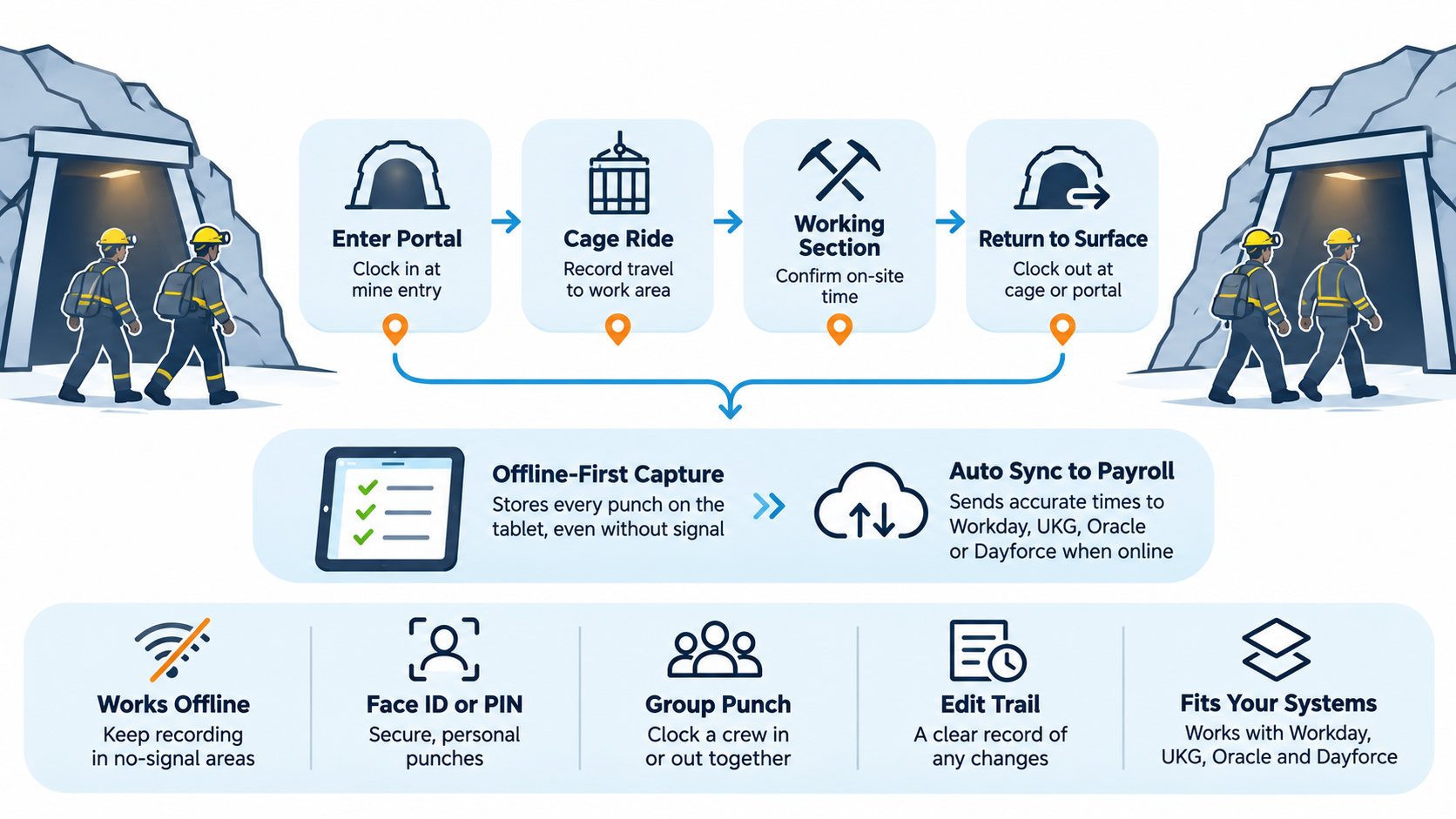
Workers sign in with Face ID or a PIN, which helps discourage buddy-punching. Offline-first sync matters most here. The tablet keeps every punch on the device and sends it when the connection returns, the same way offline-capable time clocks work at other remote sites. When a full crew rides out together, a crew lead can use a group-punch instead of logging each person by hand.
Because it runs on everyday tablets, adding a punch point is a purchase you can make almost anywhere, and swapping out a damaged tablet is quick. It fits mines, tunneling jobs and quarries best, anywhere crews work out of range. Other CloudApper guides cover HR work in mining and safety at mining operations. An attestation question at clock-out adds a dated confirmation to the record. CloudApper AI TimeClock records time. It does not decide what is payable, which stays with your agreements, your pay rules and your counsel.
Recording every minute from portal to portal
Underground shifts are hard to record because the important minutes happen in places with no signal and no clock, and paper logs turn them into estimates. How that time is treated depends on your agreements, your jurisdiction and your counsel, and every one of those decisions works better with accurate times behind it. The practical approach is a punch at each point, stored offline, protected by Face ID or PIN, backed by an edit trail, and sent to payroll when the crew is back in range.
CloudApper AI TimeClock sends those punches to Workday, UKG, Oracle or Dayforce, so your existing pay rules, approvals and payroll keep doing what they already do well. It runs on iPads and Android tablets.
If you want to see how it would work at your portal, book a demo with the CloudApper team.
FAQ
What should a mine record for each shift?
Many mines record the time each person passes the portal or lamp house, boards the cage, reaches the working section and comes back out. Your own agreements, policies and counsel decide which points you need. Keep the original punches and a log of any edits, including who made them and why.
How do miners clock in when there is no signal?
The tablet is designed to store each punch on the device and sync it once it reconnects, so a dead zone does not have to leave a gap in the record.
Can one tablet handle a whole crew?
A crew lead can record a group punch for people riding in or out together, and each person can verify with Face ID or a PIN where your site setup calls for it.
Does the data reach our payroll system?
Punches are sent to your existing HR and payroll system through CloudApper’s integrations, so your overtime rules, approvals and pay calculations remain in that system. Your team stays responsible for how time is paid.

What is CloudApper AI Platform?
CloudApper AI is an advanced platform that enables organizations to integrate AI into their existing enterprise systems effortlessly, without the need for technical expertise, costly development, or upgrading the underlying infrastructure. By transforming legacy systems into AI-capable solutions, CloudApper allows companies to harness the power of Generative AI quickly and efficiently. This approach has been successfully implemented with leading systems like UKG, Workday, Oracle, Paradox, Amazon AWS Bedrock and can be applied across various industries, helping businesses enhance productivity, automate processes, and gain deeper insights without the usual complexities. With CloudApper AI, you can start experiencing the transformative benefits of AI today. Learn More
- Useful Links:
- Agentic AI
- No-Code/Low-Code
- Custom Software
- HCM Personalization
- iPaaS
- FedRAMP
Brochure
CloudApper AI TimeClock
For accurate & touchless time capture experience.
Download Brochure
CloudApper AI Solutions for HR

- Works with








- and more.
Similar Posts

Split-Shift and Spread-of-Hours Pay: When a Long Span or Unpaid…
Automatic Lunch Deduction Time Clock Setup: Auto-Deduct or Employee-Entered Lunch…