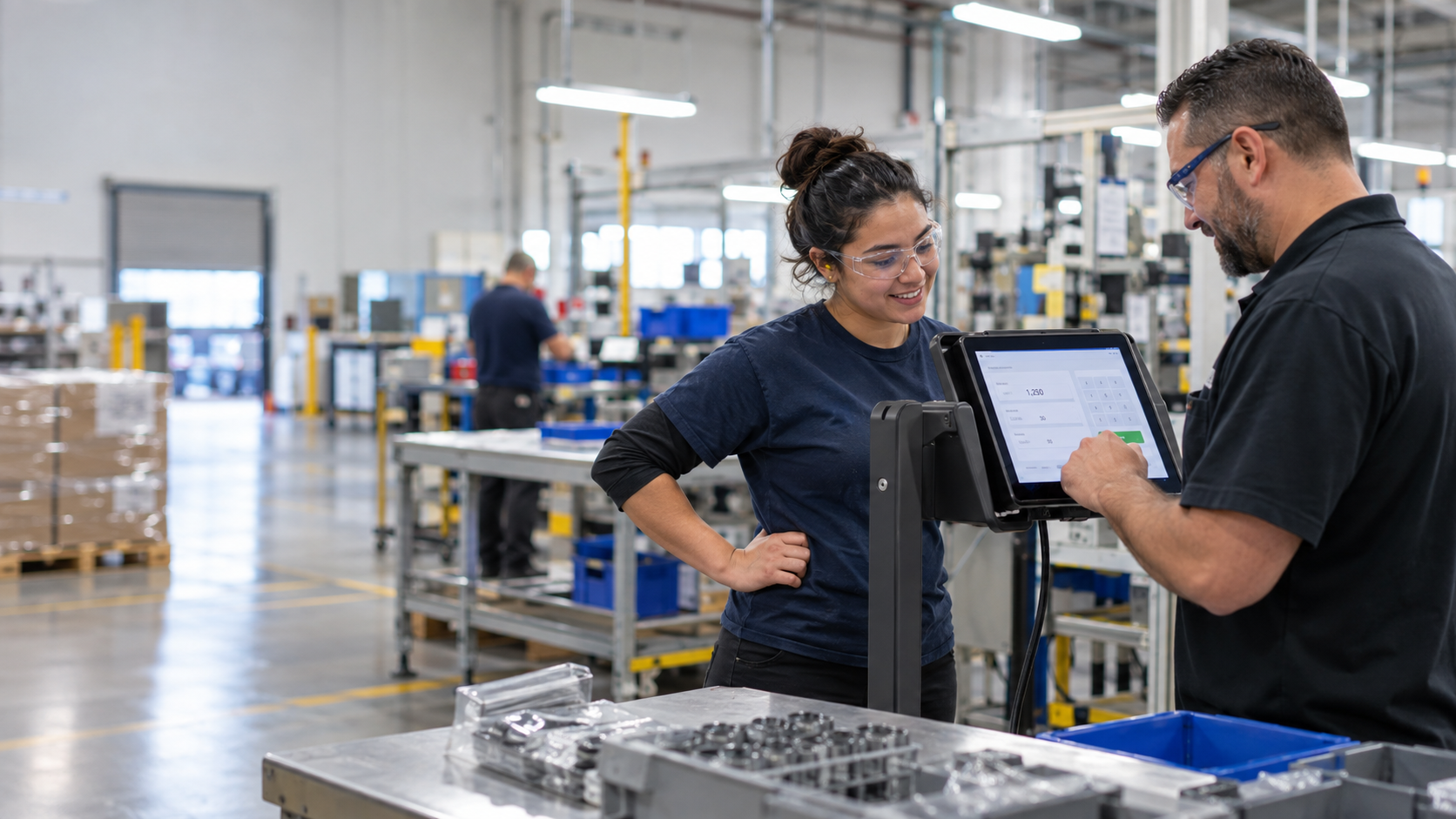
Manufacturing timecards can show who worked, but they do not always explain which activities employees completed, how much acceptable output a crew produced, or how productivity bonuses should be calculated. Learn how CloudApper hrPad helps manufacturers connect Crew Leaders, production activities, employee labor hours, quality results, bonus calculations, and payroll through a configurable tablet-based workflow.
Table of Contents
- Tablets that Power Your Crew
- How Manufacturing Productivity Bonuses Are Calculated and Managed
- Real-World Ready
- Built for Your Existing Systems
Carlos is a production supervisor at a busy manufacturing plant in Ohio. Last week, his team hit its production target, completed the assigned activities, and handled several employee transfers during the shift. But when the reports came in, the numbers did not reflect the crew’s actual work. Some activities had not been recorded, a few employees were connected to the wrong production tasks, and the final output numbers were entered from memory. As a result, eligible bonuses were missing and payroll had to investigate what happened. The problem was not employee performance. It was the paper logs, spreadsheets, and end-of-shift reporting process used to document that performance.

This is not just Carlos’s problem. Many manufacturers can accurately track when employees clock in and out but still lack a reliable way to connect those hours with production activities, work orders, output, quality results, downtime, and bonus eligibility. Manual processes become especially difficult when employees move between crews, work under multiple supervisors, support more than one production line, or perform several activities during the same shift.
CloudApper hrPad solves this. It’s a simple, employee self-service kiosk that streamlines how Crew Leaders track shifts, productivity, and employee bonuses.
Tablets that Power Your Crew
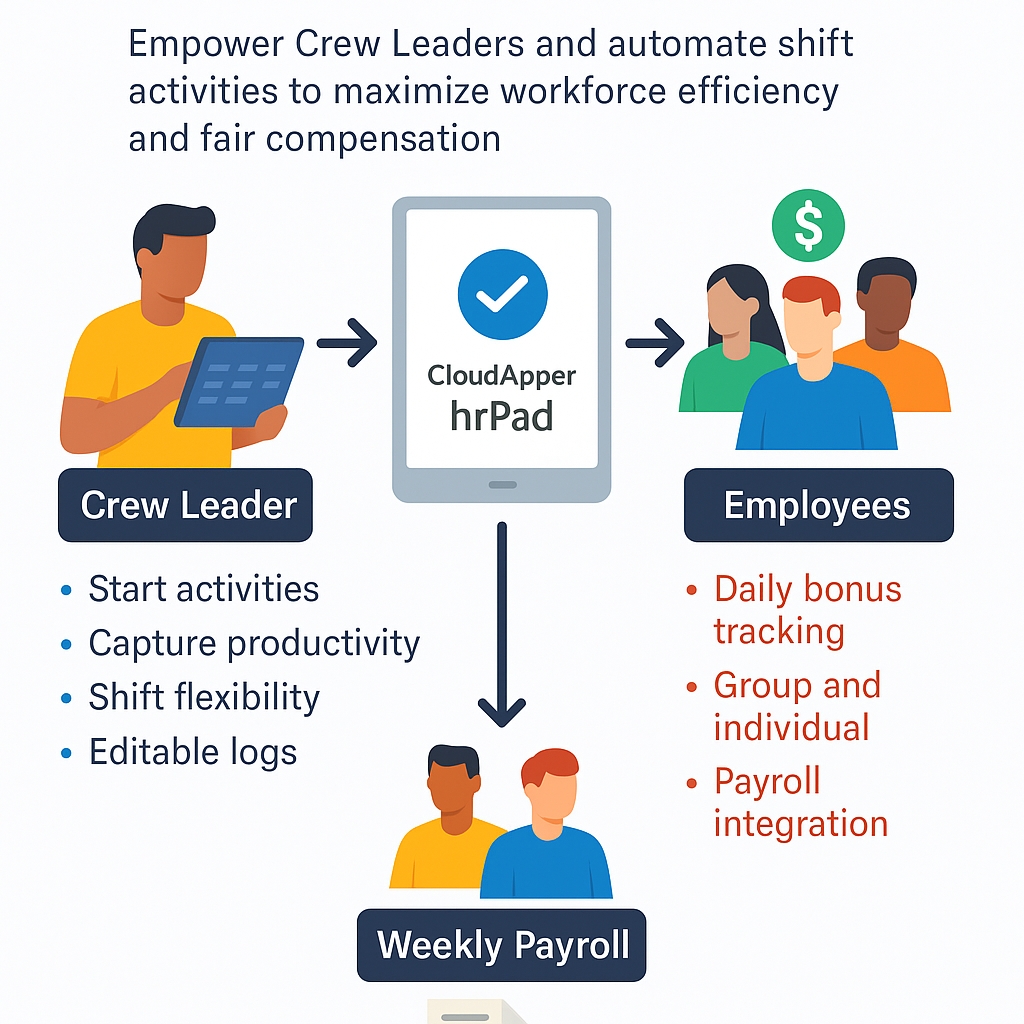
With hrPad, a supported iOS, Windows, or Android tablet becomes a self-service station for frontline employees and Crew Leaders. At the beginning of an activity, the Crew Leader can select the applicable crew, department, production line, work order, or task. Employees can then be added, removed, or transferred as production requirements change. Instead of reconstructing the shift several hours later, the Crew Leader can record important activity details closer to when the work occurs and spend less time maintaining paper logs or updating spreadsheets.
| Function | What It Enables |
|---|---|
| Start Activities | Crew Leaders assign work to individuals or groups instantly |
| Capture Productivity | Quantity and quality data are logged in real-time |
| Shift Flexibility | Tracks changes and multiple supervisors in one day |
| Editable Logs | Managers and Admins can update tasks as needed |
| PTO & Timecard Access | Employees can view schedules and balances easily |
This approach not only saves administrative time but also creates a more accurate and transparent record of what happened during the shift. Each activity can retain information such as the assigned employees, Crew Leader, activity start and stop times, production quantity, quality results, transfers, and authorized corrections.
Managers can review the history behind a submitted record instead of relying only on a final number, making it easier to identify missing activities, overlapping assignments, incorrect labor allocation, or disputed bonus amounts before the information reaches payroll.
How Manufacturing Productivity Bonuses Are Calculated and Managed
Many factories use productivity bonuses to recognize employees and Crew Leaders when approved performance targets are met.
However, calculating these bonuses manually becomes difficult when employees participate for different amounts of time, move between crews, work on multiple activities, or experience production delays outside their control. hrPad provides a configurable workflow for capturing the required activity data and applying the manufacturer’s approved bonus rules more consistently.
| Bonus Feature | Why It Matters |
|---|---|
| Daily Bonus Tracking | Recognizes employee efforts every day |
| Group and Individual Support | Handles both team and solo contributions |
| Crew Leader Incentives | Encourages supervisors to keep teams productive |
| Payroll Integration | No more delays—bonus data flows into weekly payroll |
A reliable productivity bonus should be based on more than the total quantity produced. Depending on the manufacturer’s policy, the calculation may consider acceptable units, eligible labor hours, quality results, scrap, rework, controllable downtime, the employee’s actual participation time, and the applicable bonus tier. For example, an employee who participated in a qualifying activity for four hours should not automatically receive the same amount as an employee who participated for the full eight-hour shift unless the company’s policy requires equal distribution.
The system should also retain the information used in the calculation, including the applicable rule, production result, eligible employees, approval status, and any authorized adjustment. This gives operations, HR, payroll, and employees a clearer explanation of how the final amount was determined.
Manufacturers should have their payroll and legal teams review the bonus policy before automation. The U.S. Department of Labor’s bonus guidance explains that many predetermined performance bonuses are nondiscretionary and may need to be included in an employee’s regular rate when calculating overtime. The approved bonus should therefore be sent through the correct earning code and payroll process.
Real-World Ready
Shift changes are common in manufacturing. An employee may start the day on one production line, move to another activity after a changeover, and finish the shift under a different Crew Leader. Employees may also join an activity late, leave early, or temporarily support another crew. hrPad can record these changes as separate activity periods so the employee’s labor hours, production contribution, cost allocation, and bonus eligibility follow the work that was actually performed.
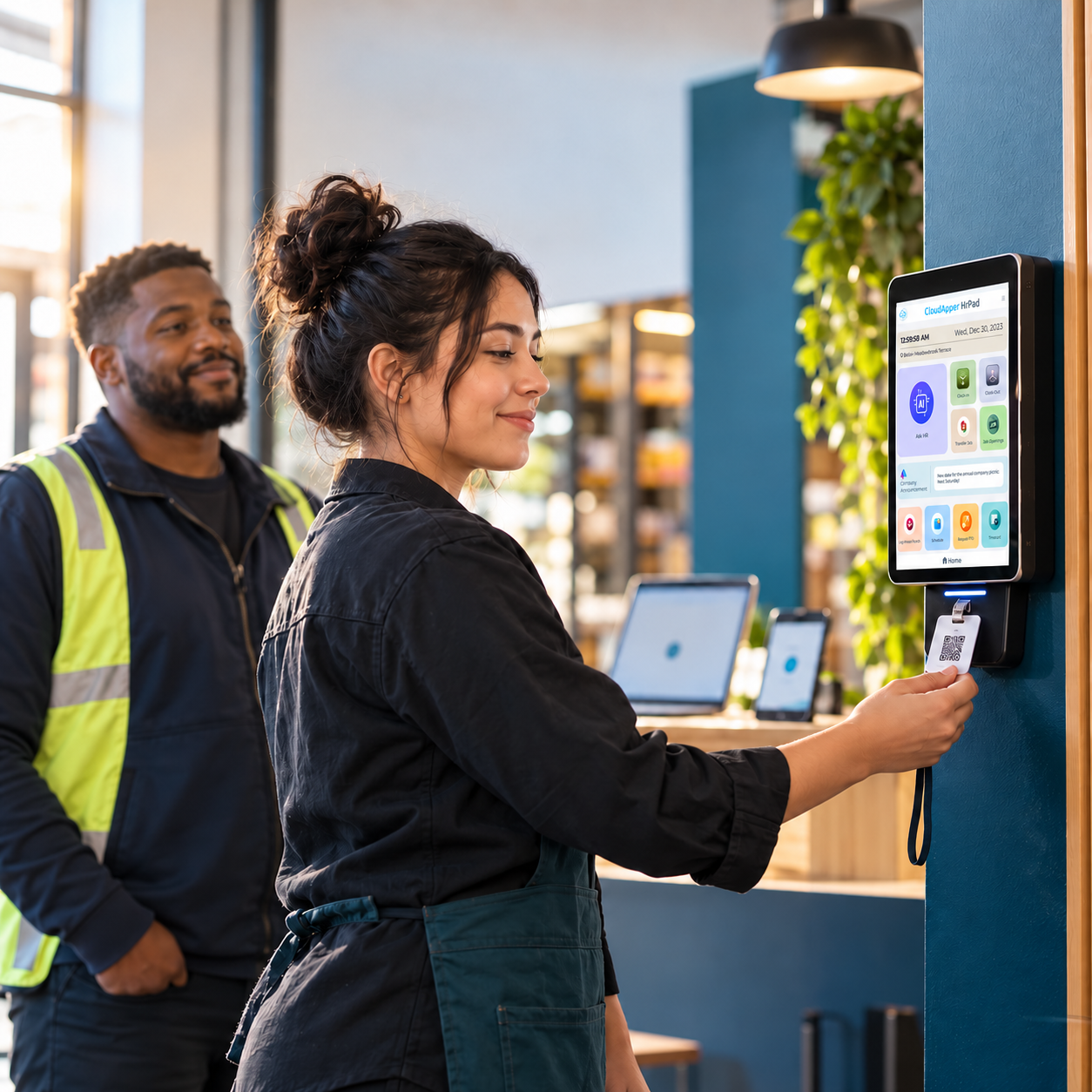
Each punch, activity transfer, and shift detail is logged accurately. There’s no need for duplicate tracking. This ensures compliance and keeps operations smooth, even on the busiest days.
Configurable validation rules can identify missing quantities, overlapping activities, incomplete transfers, unusual production results, or activity time that does not match the employee’s recorded shift. Managers can review these exceptions and make authorized corrections before the data is approved for reporting or payroll.
Downtime can also be recorded with the appropriate reason code. Equipment failure, material shortages, scheduled maintenance, quality holds, changeovers, and safety stops should not automatically be treated as employee performance issues. Separating controllable and non-controllable downtime gives managers a more accurate view of crew productivity and helps prevent employees from being penalized for circumstances outside their control.
Quality and safety controls are equally important. Manufacturers can base productivity on accepted units rather than gross production and require additional review when scrap, rework, or output exceeds a defined threshold. OSHA also advises employers to design workplace incentive programs so they do not discourage employees from reporting injuries, hazards, or near misses.
Built for Your Existing Systems
One major advantage of hrPad is its ability to work with the platforms you already use. Whether you’re on UKG, Workday, Oracle, or ADP, integration is easy.
| HCM Platform | How hrPad Works With It |
|---|---|
| Workday | Syncs time, activity, and payroll data |
| UKG (Dimensions/Pro) | Tracks punches and shifts in real-time |
| Oracle HCM | Connects activities to payroll and compliance |
| ADP | Sends shift data directly into payroll workflows |
This flexibility means manufacturers can improve frontline activity capture without replacing their existing HCM, timekeeping, payroll, or production systems.
Employee and organizational data can control who is available for an activity, approved activity records can support labor allocation and reporting, and final bonus results can be sent to payroll using the appropriate earning code.
Measuring the Impact of Crew-Led Activity Tracking
Before implementation, the manufacturer should define which system owns each data element. The HCM might remain responsible for employee and department data, the timekeeping platform for payable hours, the production system for work orders and output, and payroll for final compensation.
Manufacturers succeed when production activity, workforce data, and compensation rules remain aligned. hrPad by CloudApper AI helps Crew Leaders manage activities, document employee transfers, capture production information, review exceptions, and support approved productivity bonuses from a shared tablet.
Operations teams gain better visibility into how labor was used, while HR and payroll receive more complete information before the payroll cutoff.
It is not simply about replacing paper with a digital form. The real value comes from creating a consistent connection between employees, production activities, eligible labor hours, performance results, approvals, and payroll.
Final Thoughts
Manufacturers can measure improvement by monitoring unassigned labor hours, missing activity records, bonus-related payroll corrections, manager exception rates, labor hours per acceptable unit, and the time required to approve bonuses.
If Crew Leaders still rely on paper logs, spreadsheets, or end-of-week memory to explain what happened on the production floor, hrPad can provide a more structured and auditable process without requiring the organization to replace the enterprise systems it already trusts.

What is CloudApper AI Platform?
CloudApper AI is an advanced platform that enables organizations to integrate AI into their existing enterprise systems effortlessly, without the need for technical expertise, costly development, or upgrading the underlying infrastructure. By transforming legacy systems into AI-capable solutions, CloudApper allows companies to harness the power of Generative AI quickly and efficiently. This approach has been successfully implemented with leading systems like UKG, Workday, Oracle, Paradox, Amazon AWS Bedrock and can be applied across various industries, helping businesses enhance productivity, automate processes, and gain deeper insights without the usual complexities. With CloudApper AI, you can start experiencing the transformative benefits of AI today. Learn More
- Useful Links:
- Agentic AI
- No-Code/Low-Code
- Custom Software
- HCM Personalization
- iPaaS
- FedRAMP

Brochure
CloudApper hrPad
Empower Frontline Employees with an AI-Powered Tablet/iPad Solution
Download Brochure
CloudApper AI Solutions for HR



- Works with








- and more.
Similar Posts
Badge vs. PIN vs. Face Scan: Time Clock Authentication Guide

Payroll Questions From Employees: Six Causes and Fixes