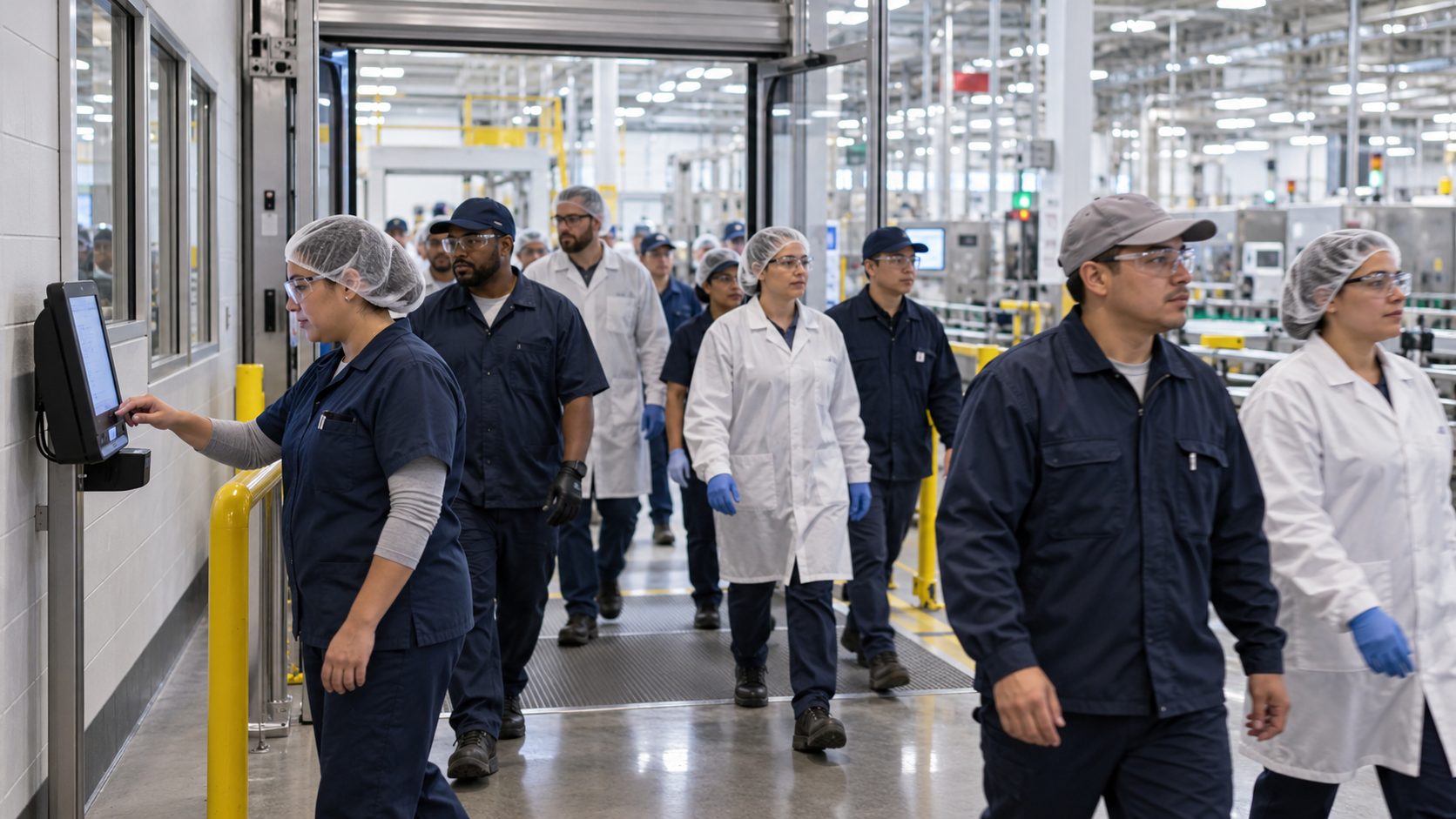
Hazard pay is only as accurate as the record behind it. See how a tablet punch at the entrance to a hazardous zone captures who worked there and for how long, and how those tagged hours flow into the HR systems that already calculate your differentials.

TL;DR
- Record hazard time at the zone entrance, not at the end of the shift.
- Use a job transfer at the punch so each record shows the person, task, start and end time.
- Confirm identity with Face ID so nobody claims premium time for someone else.
- Keep punching offline in vaults and shielded rooms, then sync when the signal returns.
- Send tagged hours to your existing HR systems, which apply the differential.
Table of Contents
- Why hazard pay is hard to get right on paper
- How hazard pay time tracking works at the zone entrance
- CloudApper AI TimeClock at the edge of the hazardous zone
- Turning hazard pay into a record you can defend
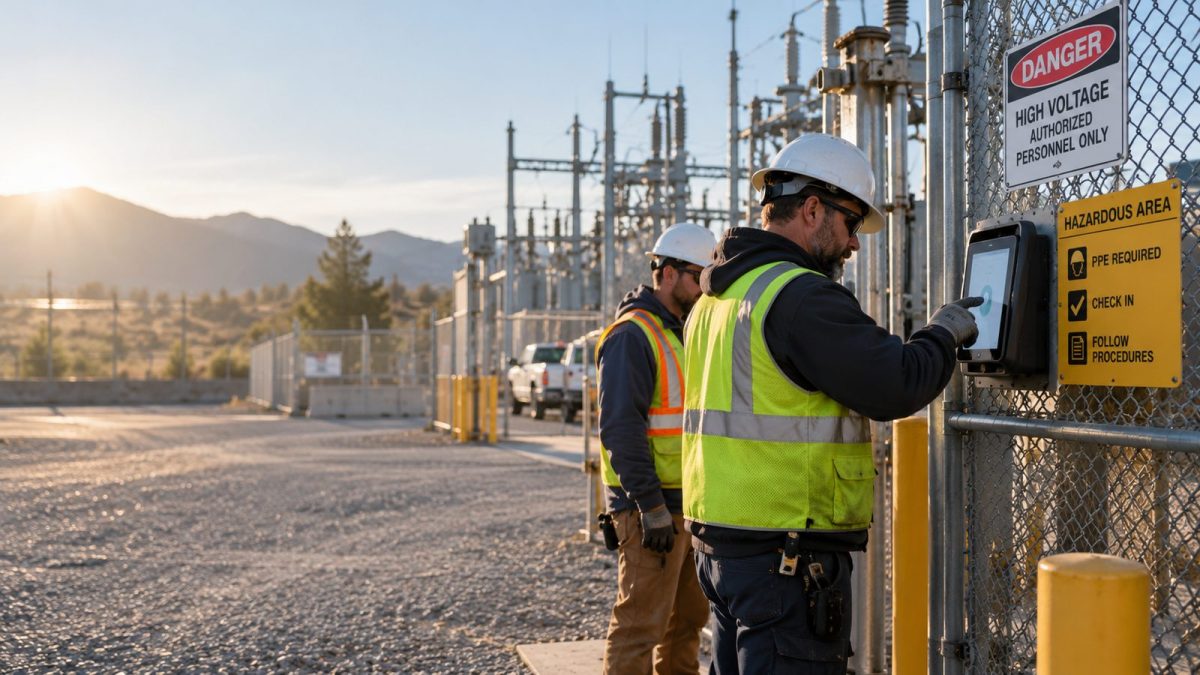
Hazard pay disputes start with a question nobody can answer: who was inside the hazardous area, and for how long? The fix is to record it where it happens. A tablet at the entrance to a confined space or substation lets each worker confirm their identity with Face ID and switch to the hazard task on the way in, then back on the way out. That turns hazard pay time tracking from an end-of-shift guess into a timestamped record. CloudApper AI TimeClock is time tracking software that is compatible with Workday, UKG, Oracle and Dayforce, runs on iPads and Android tablets, and sends those tagged hours into the HR system you already use.
Why hazard pay is hard to get right on paper
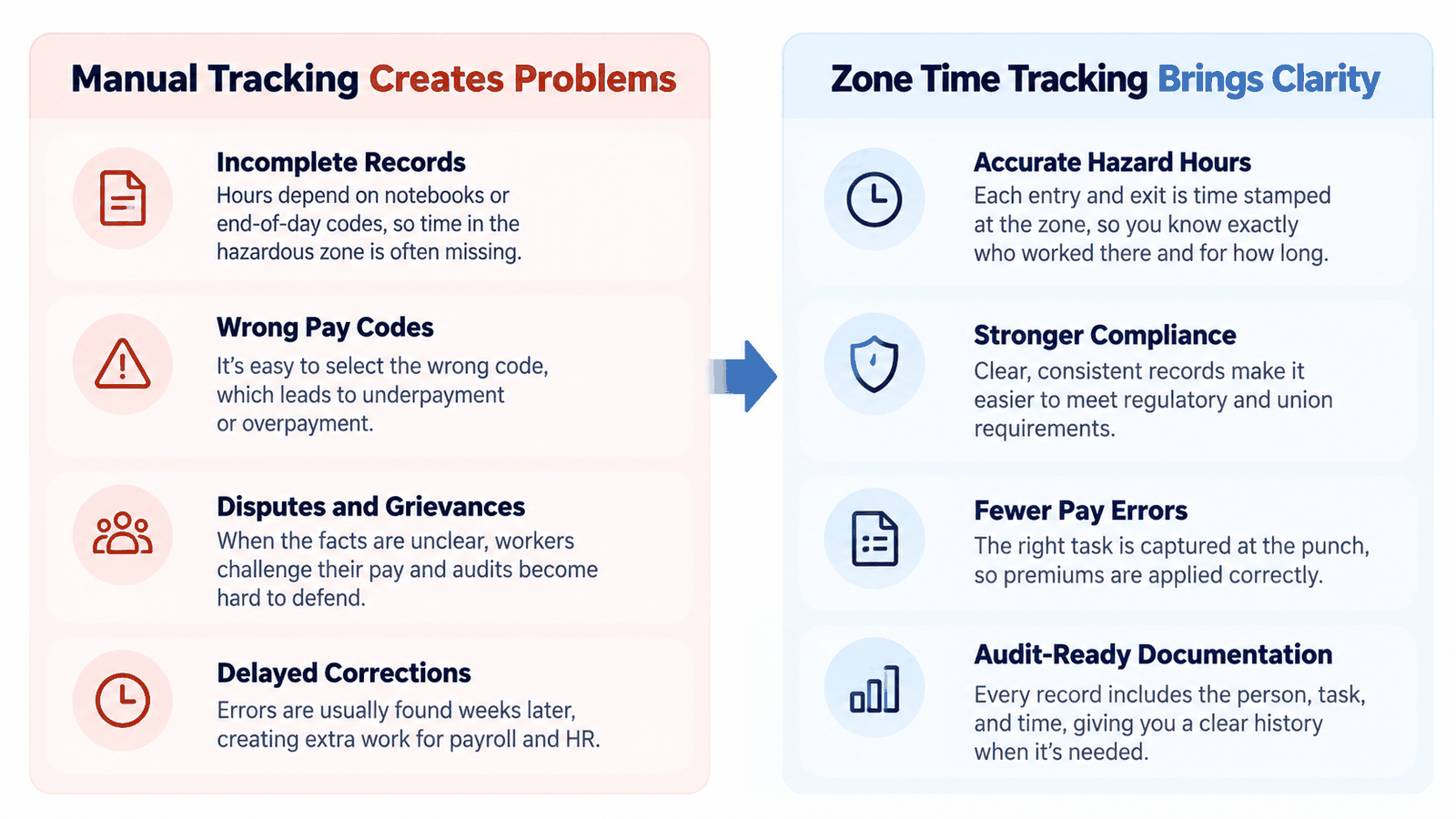
Federal Wage System employees can earn an environmental differential, General Schedule employees can earn hazardous duty pay, and many union contracts add premiums for confined spaces or energized lines. Some rules pay only for the hours of exposure, others for the whole day the duty happened. Payroll needs the same facts either way: who did the work, on which day, and for how long.

Those facts usually live in a supervisor’s notebook or a code picked at the end of the day. Someone who spent forty minutes in a tank gets coded for the full shift, while a rotating crew gets nothing because nobody wrote it down. When people pick the wrong code, the correction shows up weeks later. In a grievance or audit, an unrecorded premium is hard to defend.
How hazard pay time tracking works at the zone entrance
Put the punch where the hazard begins. A worker scans their face at the tablet beside the zone, picks the hazardous task from a short list, and punches back to their regular task on the way out. Each record carries the person, the task, and the start and end times.
Mechanically, this is a job transfer at the punch. What changes is the location: a transfer at the boundary, not at the break room clock, matches the real exposure.
An EY survey found that one in five U.S. payrolls contains errors, each costing an average of $291. Hazard premiums are an easy place for those errors to start, since the facts behind them sit far from the payroll desk.
Each zone needs only one tablet, so large employers can roll it out zone by zone across many sites. It suits utilities, refineries, chemical plants, shipyards, public works crews and inventory management providers that store hazardous materials. Any operation paying more for dangerous work can use time tracking software this way.
CloudApper AI TimeClock at the edge of the hazardous zone
CloudApper AI TimeClock is time tracking software that turns everyday tablets into time clocks connected to your HR systems. Workers punch with Face ID, PIN, NFC badge or QR code, and the clock can prompt a task transfer or ask for the entry permit number, tying the premium to the safety record.
Face ID matters because a premium gives people a reason to clock in for one another, and a biometric match stops buddy punching before it reaches payroll.
Underground vaults and shielded rooms often have no signal. The clock stores punches offline and syncs them later, so a dead zone doesn’t become a missing premium.
Everyday tablets cost little enough to put one at every zone, and a damaged unit can be swapped the same day. They work best at confined spaces, remote substations and abatement sites where crews rotate during a shift. The hours land in the same employee time tracking records your payroll team already reviews.
Turning hazard pay into a record you can defend
Hazard pay works only when everyone trusts the hours behind it. Notebooks and end-of-day codes invite pay errors and grievances nobody can settle. A punch at the zone entrance gives payroll the person, task and time for every exposure, and it scales one tablet at a time. CloudApper AI TimeClock adds Face ID, offline capture and permit attestation to that punch, runs on iPads and Android tablets, and sends tagged hours to Workday, UKG, Oracle and Dayforce, where your differentials are already set up. To see it in your hazardous areas, request a demo.
Frequently asked questions
What is hazard pay time tracking?
It means recording who performed hazardous work, on which day and for how long, so the correct premium is paid. The most reliable records come from a punch at the entrance to the hazardous area.
Does hazard pay cover the whole shift or only the hazardous hours?
It depends on the rule. Some programs pay only for hours of exposure, while others pay for every hour in pay status on the day the duty was performed. Both need a record of the day and the length of the work.
How does Face ID stop workers from claiming hazard pay for someone else?
When Face ID is required at the tablet beside the hazardous zone, each task transfer needs a live face match. One worker can’t move a coworker into hazard time by sharing a PIN or badge.
What happens if the hazardous area has no internet connection?
CloudApper AI TimeClock stores punches on the tablet while offline and syncs them once the connection returns, so the hazard hours still reach payroll.
Does this change how payroll calculates hazard differentials?
No. Your existing pay rules stay where they are. The time clock supplies tagged hours, and your HR systems apply the differential.

What is CloudApper AI Platform?
CloudApper AI is an advanced platform that enables organizations to integrate AI into their existing enterprise systems effortlessly, without the need for technical expertise, costly development, or upgrading the underlying infrastructure. By transforming legacy systems into AI-capable solutions, CloudApper allows companies to harness the power of Generative AI quickly and efficiently. This approach has been successfully implemented with leading systems like UKG, Workday, Oracle, Paradox, Amazon AWS Bedrock and can be applied across various industries, helping businesses enhance productivity, automate processes, and gain deeper insights without the usual complexities. With CloudApper AI, you can start experiencing the transformative benefits of AI today. Learn More
- Useful Links:
- Agentic AI
- No-Code/Low-Code
- Custom Software
- HCM Personalization
- iPaaS
- FedRAMP

Brochure
CloudApper AI TimeClock
For accurate & touchless time capture experience.
Download Brochure
CloudApper AI Solutions for HR



- Works with








- and more.
Similar Posts
Time Clock for Agency Workers: How to Capture Temp Hours…

Physical Inventory Count Crews: Clocking In Overnight Teams at Stores…