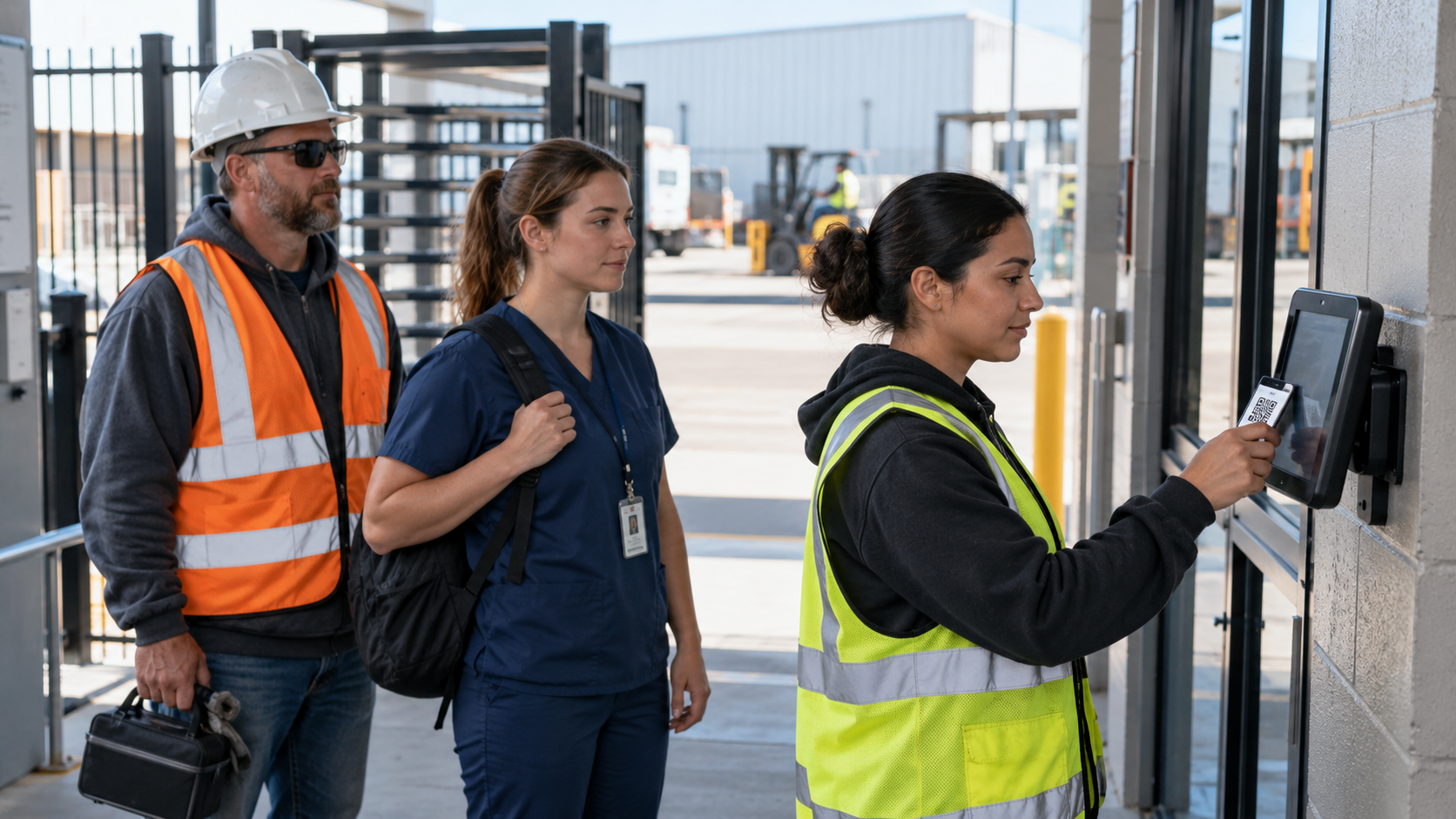
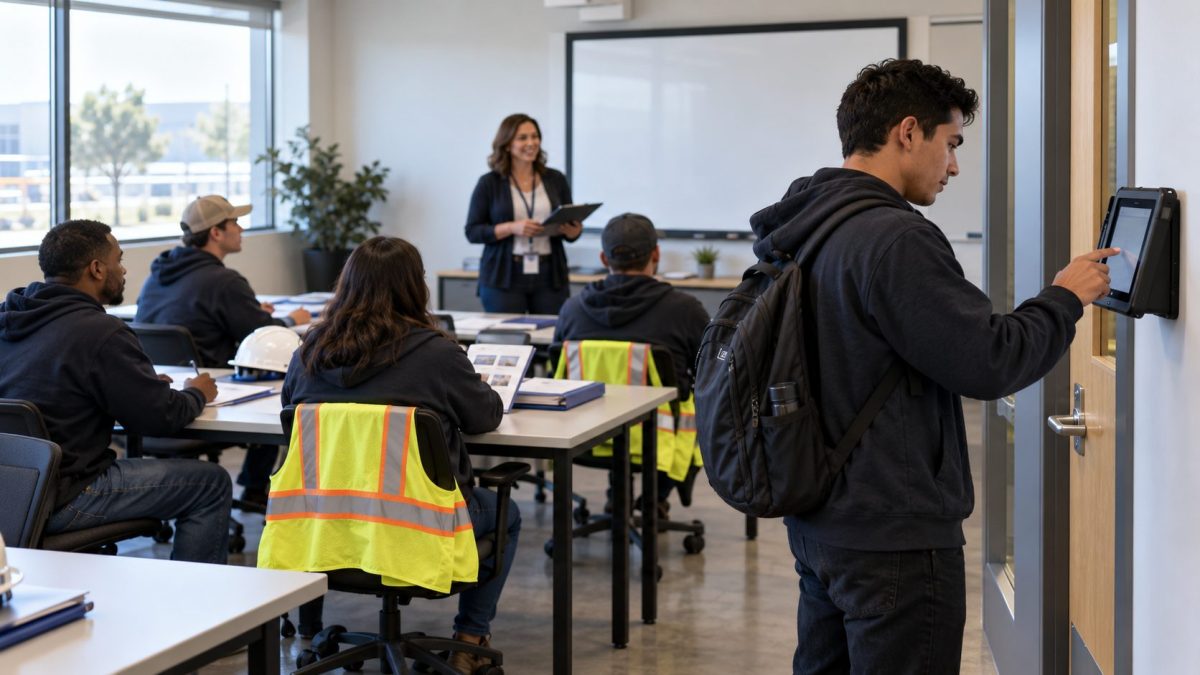
Required orientation is usually paid time, yet it often goes unrecorded because training rooms rarely have a time clock. Here is why orientation hours go missing, what they cost, and how a time clock on iPads and Android tablets records every orientation hour and sends it to your HR system.

TL;DR
- Required orientation is usually paid time under federal law.
- Orientation hours go missing because training rooms rarely have a time clock.
- Unrecorded hours lead to short paychecks, off-cycle corrections and wage claim risk.
- A tablet clock in each training room records orientation as its own punch type and sends it to your HR system.
Table of Contents
- Is new hire orientation pay required?
- Why orientation hours go unrecorded
- What unrecorded orientation hours cost
- How CloudApper AI TimeClock records orientation hours
New hire orientation pay is easy to get wrong for a simple reason: orientation rarely happens next to a time clock. New employees spend their first hours in a training room, a break room or an offsite session, watching safety videos and filling out paperwork. The wall clock is out on the production floor, so those hours land on a sign-in sheet or never get recorded at all, and the first paycheck comes up short. The fix is to bring the clock to the room. CloudApper AI TimeClock runs on iPads and Android tablets, so any training room can have its own clock, and every orientation punch is tagged as training time. It works with all major HR systems, including Workday, UKG, Oracle and Dayforce.
Is new hire orientation pay required?
In most cases, yes. Under 29 CFR 785.27, training time counts as hours worked unless all four of these are true: it happens outside normal working hours, attendance is voluntary, it isn’t directly related to the job, and the employee does no productive work during it. Required orientation for a new job rarely meets even one of those tests, let alone all four. Treat orientation as paid time and record it the same way you record a shift.

Why orientation hours go unrecorded
Orientation happens away from the time clock
Time clocks go where the work is, which usually means the production floor, the warehouse entrance or the nurses’ station. Orientation happens somewhere quieter. Unless someone walks the whole group to the clock and back, nobody punches.
Sign-in sheets get keyed in late
Most sites fall back on a paper sign-in sheet that someone retypes later. Manual entry drops names, misreads times and often reaches payroll after the cutoff, which turns orientation into the same cleanup as missed punch corrections.
Training hours get mixed with regular hours
Even when orientation time is recorded, it often lands in the same bucket as production hours. That makes it hard to report training time separately, and harder to prove completion for programs like recurring compliance training.
What unrecorded orientation hours cost
Each missing hour is new hire orientation pay the employee is still owed. Paying it late usually means an off-cycle correction, plus time from payroll and the manager to rebuild who attended and for how long. If it never gets paid, it becomes a potential wage claim, and orientation affects every new hire, so the exposure grows with every hiring class.
It also costs you with the employee. A Workforce Institute at Kronos survey found that 49% of American workers will start looking for a new job after only two problems with their paycheck. A short first check uses up half of that before the new hire has finished their first week.
How CloudApper AI TimeClock records orientation hours
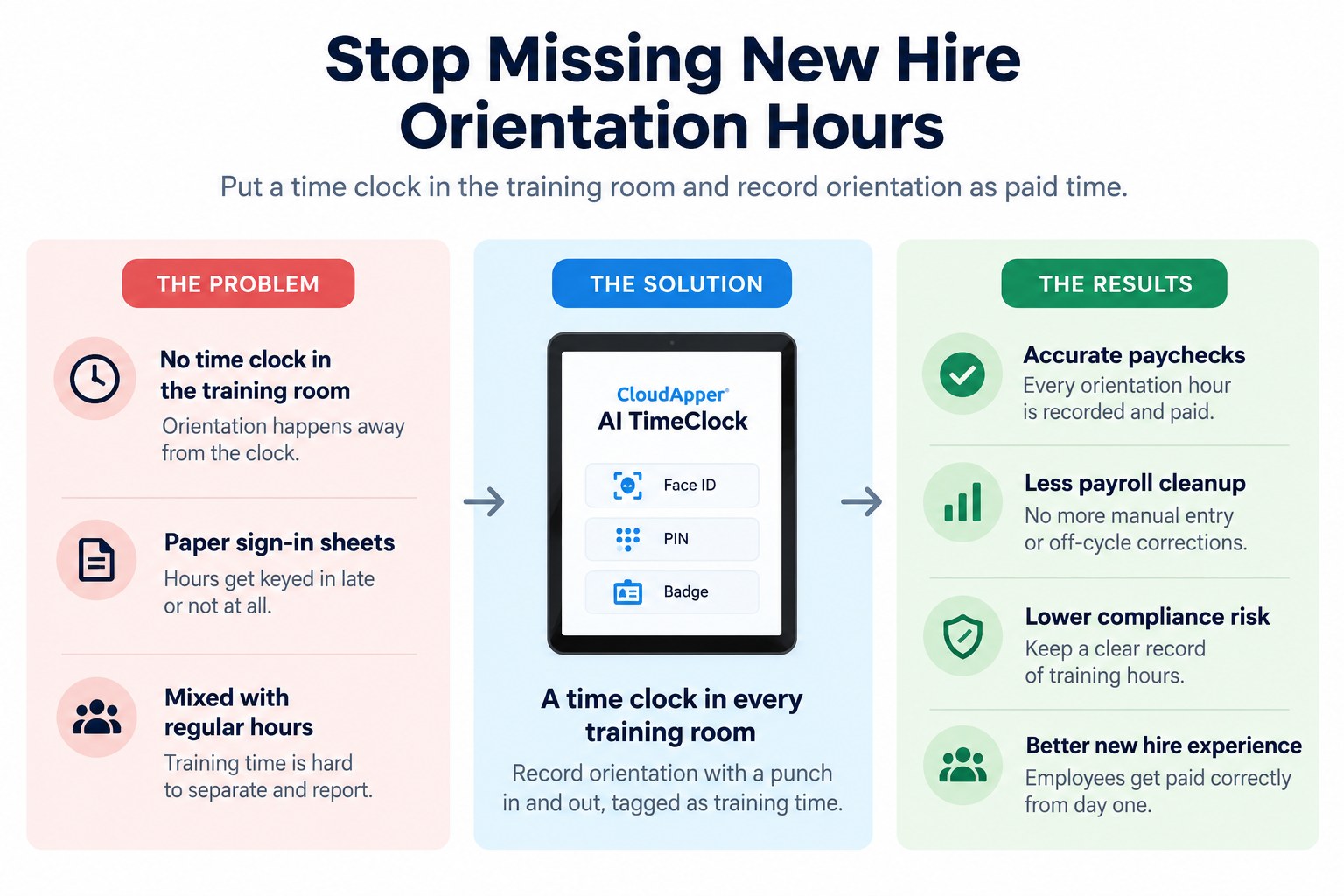
CloudApper AI TimeClock is time clock software that turns iPads and Android tablets into enterprise time clocks. Because it runs on standard tablets rather than proprietary hardware, you can place a clock in every training room, break room or temporary orientation space, and hardware costs can drop by up to 60% compared with traditional clocks.
Here is how it works in an orientation session. You mount or set out a tablet in the room. Each new employee punches in with Face ID or a PIN and selects a training punch, so the time is tagged as training rather than regular work. When the session ends, they punch out the same way. If the room has weak Wi-Fi, the tablet stores punches offline and syncs them once it reconnects. Geofencing confirms that offsite sessions took place where they were scheduled.
Every punch then syncs with your HR system in real time, so payroll sees orientation hours before the pay run instead of after a complaint. Face ID stops one person from signing in for another, and training hours stay separate from production hours for reporting. A motor fuel distributor already uses the same training punch in and out to track employee training hours across its sites.
Paying for orientation starts with a clock in the room
Required orientation is paid time under federal rules. It goes unrecorded because it happens away from the time clock, gets written on sign-in sheets that are keyed in late, and ends up mixed with regular hours. The cost is short first paychecks, off-cycle corrections, wage claim risk and new employees who lose trust early. CloudApper AI TimeClock puts a clock on an iPad or Android tablet in every training room, tags orientation as training time and sends it straight to Workday, UKG, Oracle or Dayforce. To see how it would work at your sites, request a demo.
Frequently asked questions
Is new hire orientation paid time?
In most cases, yes. Under 29 CFR 785.27, orientation and training count as hours worked unless they happen outside normal hours, are voluntary, are not directly related to the job and involve no productive work.
Why are orientation hours missing from timecards?
Orientation usually takes place in a training room or offsite, away from the time clock. Hours recorded on sign-in sheets are often entered late or not at all.
How should orientation hours be recorded?
Record orientation with a punch in and a punch out, just like a shift, and tag it as training time so it stays separate from regular work hours.
Can CloudApper AI TimeClock run in a training room?
Yes. CloudApper AI TimeClock runs on iPads and Android tablets, so it can be placed in any training room or orientation space, and it stores punches offline if the Wi-Fi is weak.
Does CloudApper AI TimeClock work with my HR system?
Yes. CloudApper AI TimeClock works with major HR systems, including Workday, UKG, Oracle and Dayforce, and sends every punch to your HR system for payroll.

What is CloudApper AI Platform?
CloudApper AI is an advanced platform that enables organizations to integrate AI into their existing enterprise systems effortlessly, without the need for technical expertise, costly development, or upgrading the underlying infrastructure. By transforming legacy systems into AI-capable solutions, CloudApper allows companies to harness the power of Generative AI quickly and efficiently. This approach has been successfully implemented with leading systems like UKG, Workday, Oracle, Paradox, Amazon AWS Bedrock and can be applied across various industries, helping businesses enhance productivity, automate processes, and gain deeper insights without the usual complexities. With CloudApper AI, you can start experiencing the transformative benefits of AI today. Learn More
- Useful Links:
- Agentic AI
- No-Code/Low-Code
- Custom Software
- HCM Personalization
- iPaaS
- FedRAMP

Brochure
CloudApper AI TimeClock
For accurate & touchless time capture experience.
Download Brochure
CloudApper AI Solutions for HR



- Works with








- and more.
Similar Posts
Return-to-Office Attendance Tracking: What Employers Get Wrong in 2027

Time Clocks for Food Processing Plants: Sanitation Shifts, Line Changes…