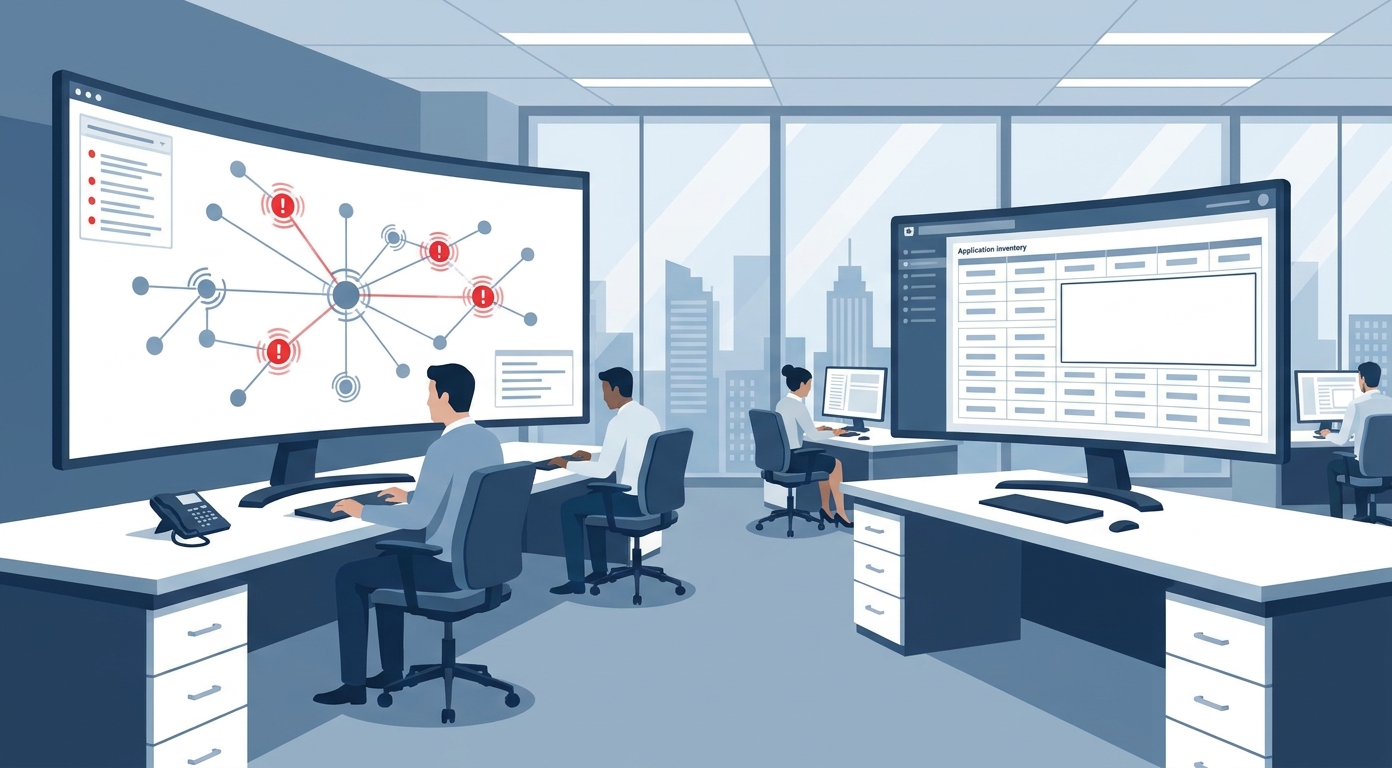
Seven audit questions about internally built enterprise applications that most IT teams cannot answer cleanly -- and what a real answer looks like for each one, across SOC 2, HIPAA, ISO 27001, and SOX ITGC reviews.

TL;DR
Internally built enterprise applications fail audit cycles not because teams are careless, but because the development process was never designed to produce compliance evidence. The seven questions auditors consistently ask -- about access provisioning, change management, data residency, vulnerability assessments, succession, disaster recovery, and pre-production security review -- map directly to structural gaps in ungoverned development. Each gap requires architectural remediation, not retroactive paperwork. CloudApper AI builds applications where these evidence artifacts are generated as default outputs of the development process, so audit preparation is a check rather than a construction project.
Table of Contents
- 1. Who Has Access to This Application Right Now, and How Was That Access Granted?
- 2. What Changed in This Application in the Last 12 Months, and Who Approved It?
- 3. Where Does the Data in This Application Live, and What Governs How Long It Stays There?
- 4. What Vulnerability Assessment Has Been Done on This Application, and When?
- 5. What Would Happen to This Application’s Data If the Person Who Built It Left Tomorrow?
- 6. If This Application Went Down for 48 Hours, What Is the Recovery Procedure?
- 7. What Was the Security and Compliance Review Process Before This Application Went to Production?
- The Pattern Behind All Seven Questions
The audit prep meeting is scheduled for Tuesday. Someone pulls up the evidence tracker and starts walking the team through the request list. Access control documentation — check. Change management records — check. Then the auditor’s question comes up about a workflow tool the operations team built eight months ago. Silence. Nobody has clean answers for it. Not because anyone failed to do their job, but because that application was never built to produce this kind of evidence.

That is the specific problem with internally built enterprise applications. Packaged SaaS platforms generate compliance evidence by default — vendor certifications, audit logs, access reviews built into admin consoles. Applications your teams built, extended with AI coding tools, or commissioned from a business unit don’t. They produce exactly the governance record their builders thought to include. For many, that record is thin.
What follows are the seven questions auditors ask about internally built applications. Each one maps to a gap that shows up repeatedly across SOC 2, HIPAA, ISO 27001, and SOX ITGC reviews. If you’re preparing for an upcoming audit cycle, this is your pre-audit gap analysis.
1. Who Has Access to This Application Right Now, and How Was That Access Granted?
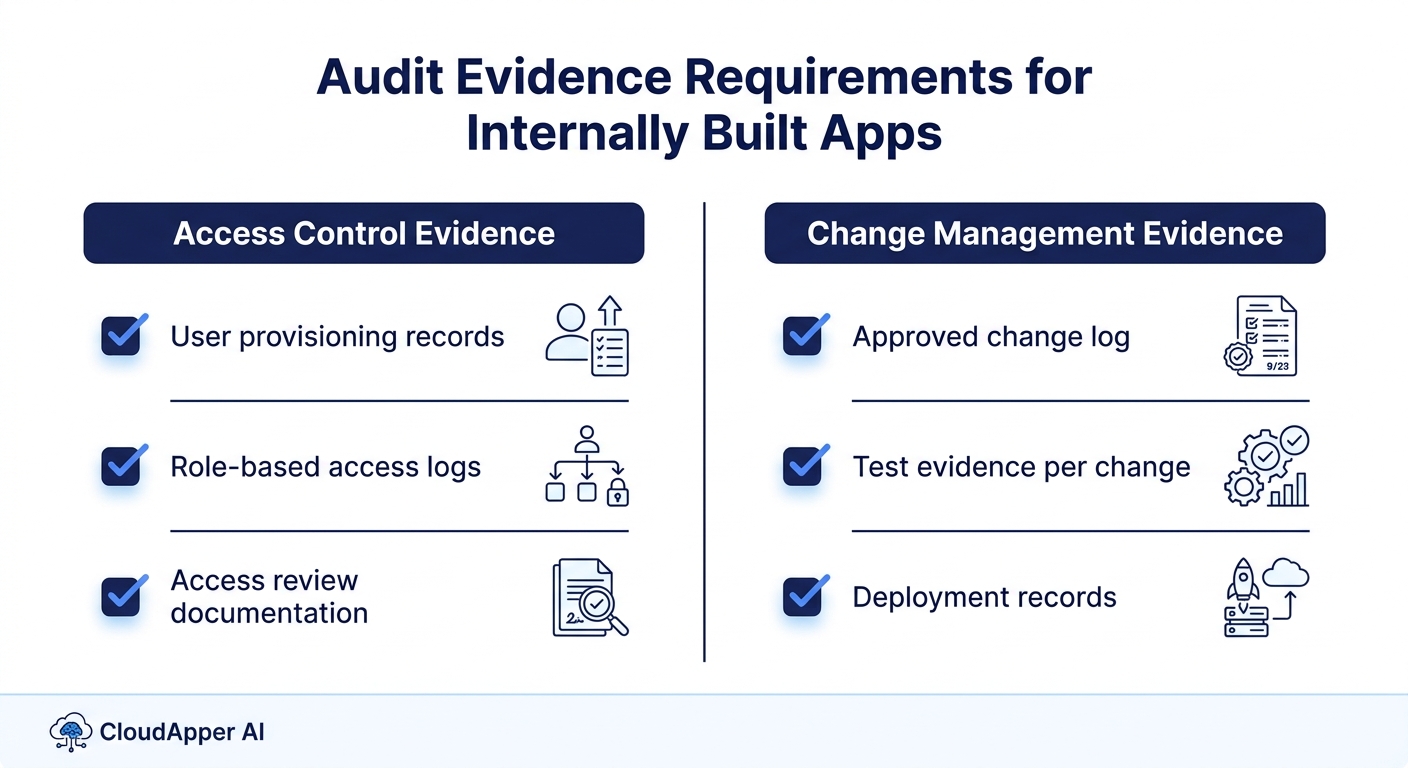
This is the first question and the one most organizations struggle with immediately. Access to internally built applications is often granted informally — a Slack message, a manager request, a temporary permission that never got revoked. Without a formal access provisioning record showing who approved each user, what role they were assigned, and when that decision was made, the auditor has nothing to verify against. The access log exists. The authorization record behind it usually doesn’t.
What a real answer looks like: a provisioning record showing every active user, their assigned role, the approval chain behind each grant, and the date of last access review. For applications running AI agents or automated workflows, this includes non-human identity grants — service accounts and API keys with the same level of documentation as human users.
2. What Changed in This Application in the Last 12 Months, and Who Approved It?
Change management for enterprise applications is a standard SOC 2 CC8.1 and SOX ITGC requirement. For packaged software, change records come from the vendor’s release notes and your internal change control tickets. For internally built applications, the change record is whatever the team maintained. If the application was built with AI coding tools, the change history may be a git log with no approval records attached. That is not what an auditor calls a change management process.
What a real answer looks like: a change log with the specific modification, the person who requested it, the person who approved it, the test evidence, and the deployment date — for every material change. SOX ITGC scope extends to any application that feeds, populates, or calculates data that flows into financial reporting, regardless of whether IT formally recognized it as in-scope.
3. Where Does the Data in This Application Live, and What Governs How Long It Stays There?
Data residency and retention are not questions most internally built applications were designed to answer. Business teams building workflow tools, exception trackers, or approval routing apps focus on the business logic. They rarely document which cloud region data is stored in, what encryption is applied at rest, or what retention schedule governs the records. When HIPAA or GDPR auditors ask, that documentation has to be produced from somewhere.
What a real answer looks like: a data classification record showing what categories of data the application processes, where it is stored (region, infrastructure provider), encryption standards applied, and a retention schedule with documented legal basis. Applications that make or influence eligibility decisions require additional documentation under GDPR Article 22 that most internal build processes never captured.
4. What Vulnerability Assessment Has Been Done on This Application, and When?
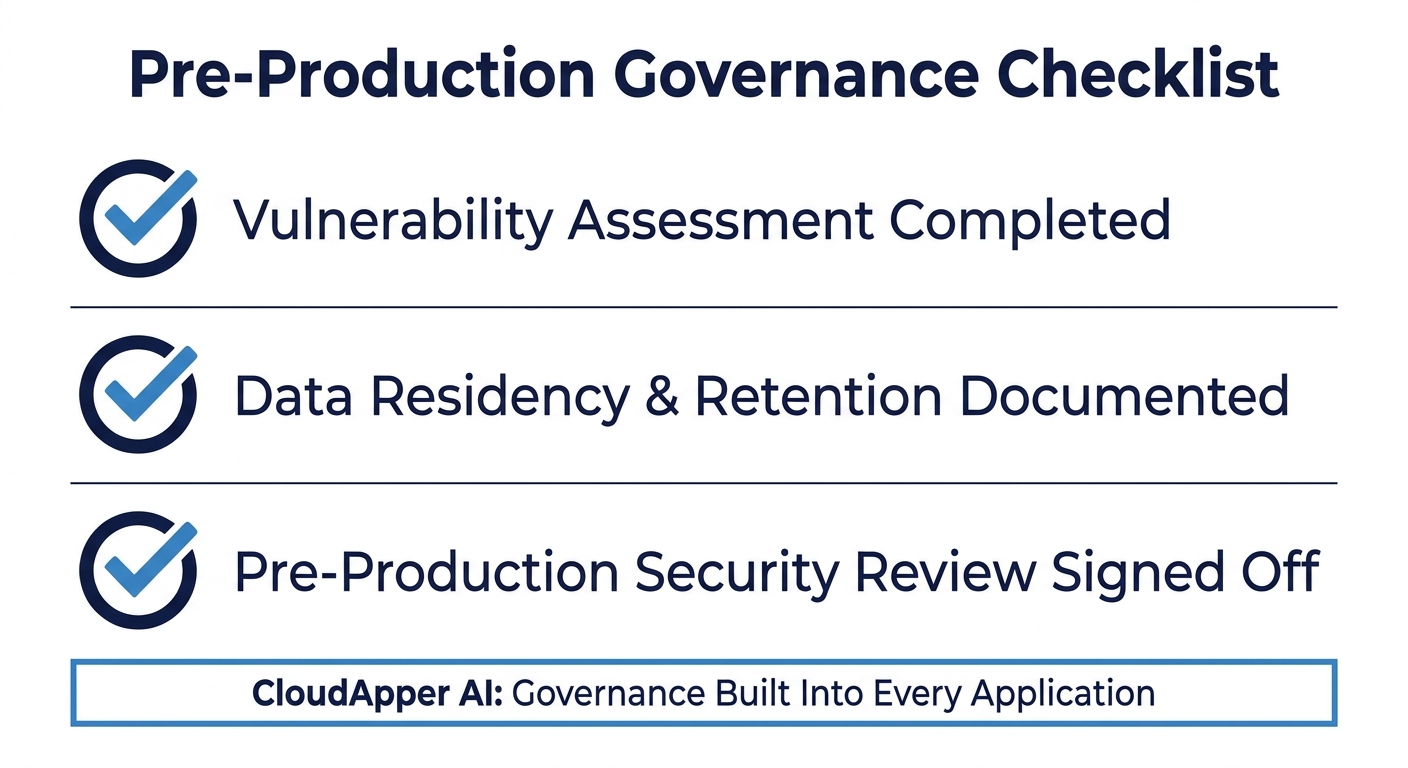
This question gets uncomfortable fast. Many internally built enterprise applications have never been through a formal vulnerability assessment. They were built quickly, deployed to solve a real operational problem, and moved to production before security review was scheduled. When a pen tester or auditor asks for the last assessment date and the results, the answer is often we don’t have one — or the application doesn’t even appear in the asset register the security team maintains.
What a real answer looks like: a dated vulnerability assessment report, the finding severity classifications, remediation records for any critical or high findings, and a schedule for the next assessment. Penetration testers increasingly find internally built applications running on production subnets with no security review history, broad service account access, and open findings nobody knew existed. That is not a security failure — it is a governance architecture failure.
5. What Would Happen to This Application’s Data If the Person Who Built It Left Tomorrow?
Succession is an application governance requirement, not just a staffing consideration. SOC 2 auditors look for documented ownership. ISO 27001 assessors look for asset accountability. When an internally built application is owned in practice by the person who built it — and that person leaves — the application becomes an orphaned asset with no clear accountability chain, no documented architecture, and no one who can produce the evidence the next audit will request.
What a real answer looks like: a designated application owner at a role level (not a person), documented succession procedures, and architecture documentation sufficient for a qualified team member to maintain and explain the application to an auditor. Power Apps and similar low-code orphaned applications are a recurring SOC 2 finding precisely because succession was never designed into the ownership model.
6. If This Application Went Down for 48 Hours, What Is the Recovery Procedure?
Business continuity and disaster recovery documentation is required under HIPAA, SOC 2 CC9.1, and ISO 27001 A.17. For internally built applications that have become load-bearing — applications that run approval workflows, capture compliance data, or feed reporting systems — the absence of a tested recovery procedure is an audit finding. The application being in the cloud is not a recovery plan. Recovery time objectives, recovery point objectives, and a tested runbook are.
What a real answer looks like: a BC/DR entry for the application with defined RTO and RPO, documented backup procedures, and evidence of at least one test. Untested DR plans are functionally equivalent to no DR plan when an auditor asks for test evidence and there is none to produce.
7. What Was the Security and Compliance Review Process Before This Application Went to Production?
This is the question that surfaces the structural problem underneath all the others. Most internally built applications — especially those built quickly with AI coding tools or low-code platforms — went to production through an informal path. The business unit needed it fast. IT was busy. The governed deployment path was too slow. By the time anyone asked about security review, the application had been in production for six months.
What a real answer looks like: a pre-deployment security review record showing the application was assessed against your security baseline before it reached production users, with sign-off from someone with accountability for that determination. The reason most organizations don’t have this record is structural — the governed path and the deployment path were never the same path. Fixing the finding requires fixing the architecture, not filing the missing paperwork retroactively.
The Pattern Behind All Seven Questions
Each of these questions points to the same underlying gap: internally built enterprise applications generate compliance evidence only when the development process was designed to produce it. That is not a team failure. It is an infrastructure gap. When developers build using AI coding tools or low-code platforms outside a governed environment, they produce working applications with no audit trail attached. The audit prep problem is not that IT didn’t document — it is that the documentation was never generated in the first place.
CloudApper AI is an enterprise application platform where governed development is the default. Applications built on the platform produce access control records, change management documentation, data residency configuration, and security baseline evidence as structural outputs of the build process — not as retroactive compliance projects. When an auditor asks these seven questions about a CloudApper-built application, the answers already exist. That is the difference between an audit that closes cleanly and one that generates a remediation roadmap that takes twelve months to work through.
If your team is preparing for an upcoming SOC 2, HIPAA, or ISO 27001 cycle and your application estate includes internally built or AI-generated tools, the gap analysis starts here.
If your internally built enterprise applications are generating audit findings your team can’t quickly resolve, CloudApper AI builds applications where compliance evidence is structural — not retroactive. Talk to the team.

What is CloudApper AI Platform?
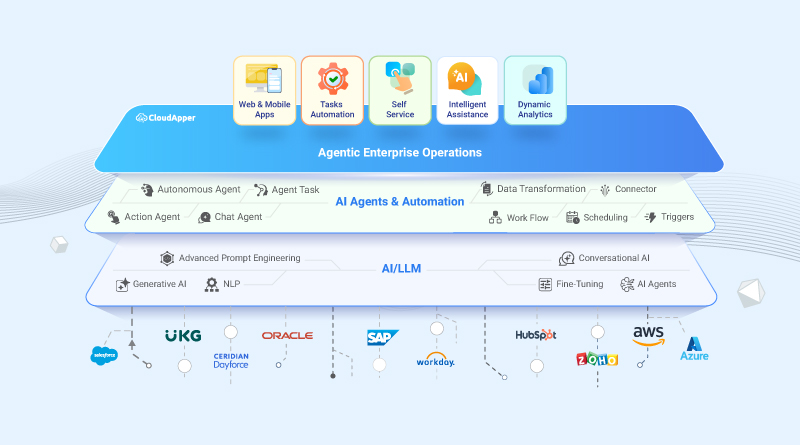
CloudApper AI is an advanced platform that enables organizations to integrate AI into their existing enterprise systems effortlessly, without the need for technical expertise, costly development, or upgrading the underlying infrastructure. By transforming legacy systems into AI-capable solutions, CloudApper allows companies to harness the power of Generative AI quickly and efficiently. This approach has been successfully implemented with leading systems like UKG, Workday, Oracle, Paradox, Amazon AWS Bedrock and can be applied across various industries, helping businesses enhance productivity, automate processes, and gain deeper insights without the usual complexities. With CloudApper AI, you can start experiencing the transformative benefits of AI today. Learn More
- Useful Links:
- Agentic AI
- No-Code/Low-Code
- Custom Software
- HCM Personalization
- iPaaS
- FedRAMP
CloudApper AI Solutions

- Works with









- and more.
Similar Posts

6 Access-Control Gaps That Show Up When an AI-Built App…

10 Signs Your Vibe-Coded App Is Not Ready for Enterprise…