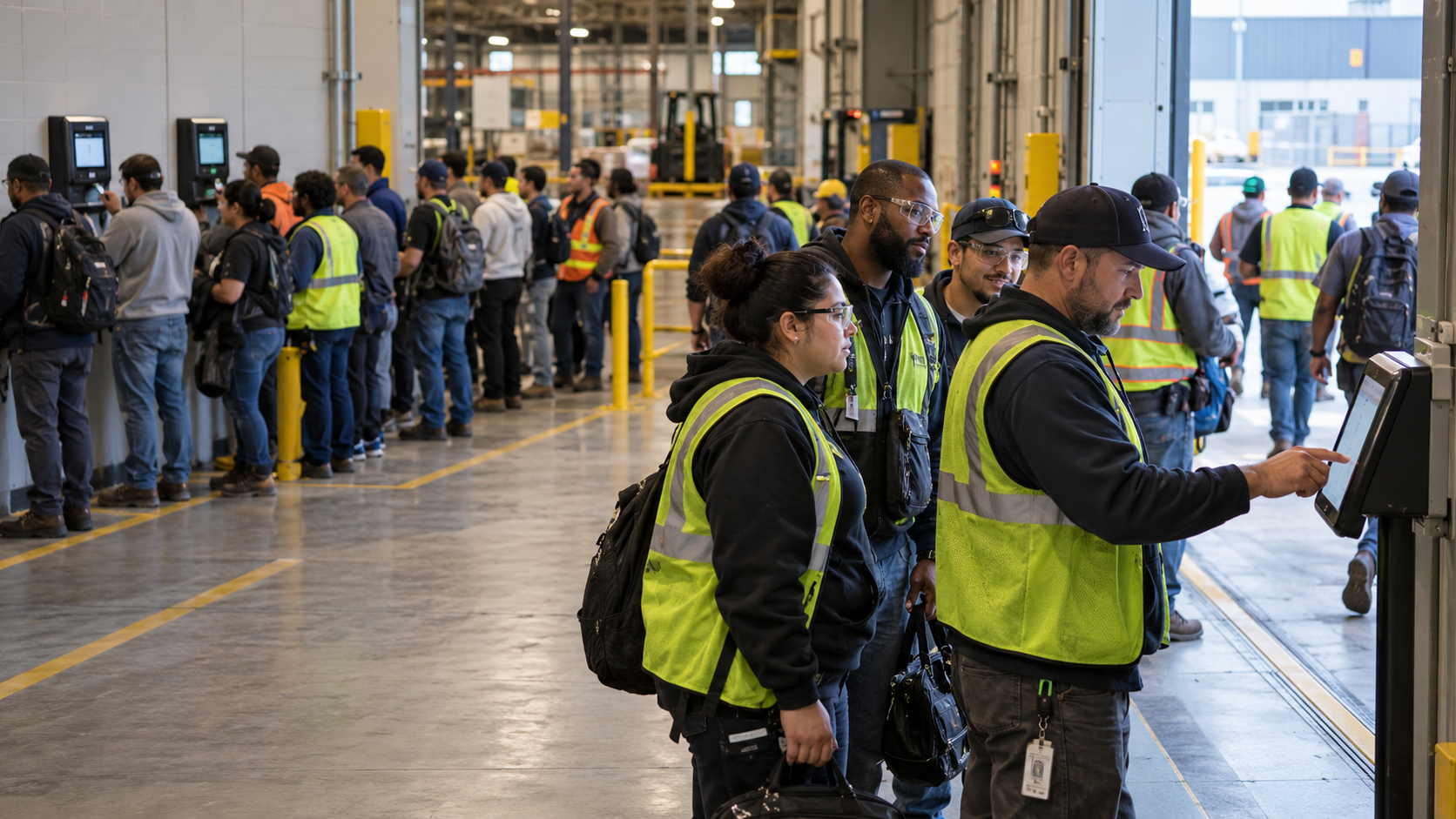
Employees, agency temps and contractors often share a site but not a time record. Here is how one shared time clock recognizes each worker, routes every punch to the right system, and gives you a single headcount you can check against payroll, agency invoices and contractor bills.


TL;DR
- Run employees, agency temps and contractors through one time clock instead of separate apps and sign-in sheets.
- Send employee punches to your HR system and keep temp and contractor hours in separate records for each agency and firm.
- Give supervisors one live headcount of everyone on site, whoever employs them.
- Check agency invoices and contractor bills against your own punch records before you pay them.
Table of Contents
- What Split Time Records Cost Employers
- What a Time Clock for Temps and Contractors Should Do
- How CloudApper AI TimeClock Handles a Mixed Workforce
- Conclusion
On many sites, three kinds of workers come through the same door: your employees, temps from a staffing agency, and outside contractors. Each group’s hours end up in a different place, so nobody has one reliable record of who worked and for how long. The fix is a time clock for temps and contractors that your employees use too, where everyone clocks in at one place and each record goes where it belongs. CloudApper AI TimeClock does this on a standard tablet. It recognizes who is clocking in, keeps each group’s hours separate, and sends them to the right destination. It is also compatible with major HR systems such as UKG, Workday, Dayforce and Oracle.
What Split Time Records Cost Employers
Nearly 2.2 million temporary and contract employees worked for U.S. staffing companies during an average week in 2024. When their hours live apart from your employees’ hours, small problems add up.

Supervisors can’t say who is on site without checking three lists. Agency invoices come from the agency’s own timesheets, with nothing in-house to compare against. Contractor hours get billed on trust. When a temp converts to an employee, early hours can land in the wrong system. And if something goes wrong on site, you need to know everyone inside, not only the people on your payroll.
Recording temps or contractors as if they were employees also blurs who employs whom, which is why contractor compliance gets so much attention from HR and legal teams.
What a Time Clock for Temps and Contractors Should Do
The answer is one clock that everyone uses, set up to treat each group differently.
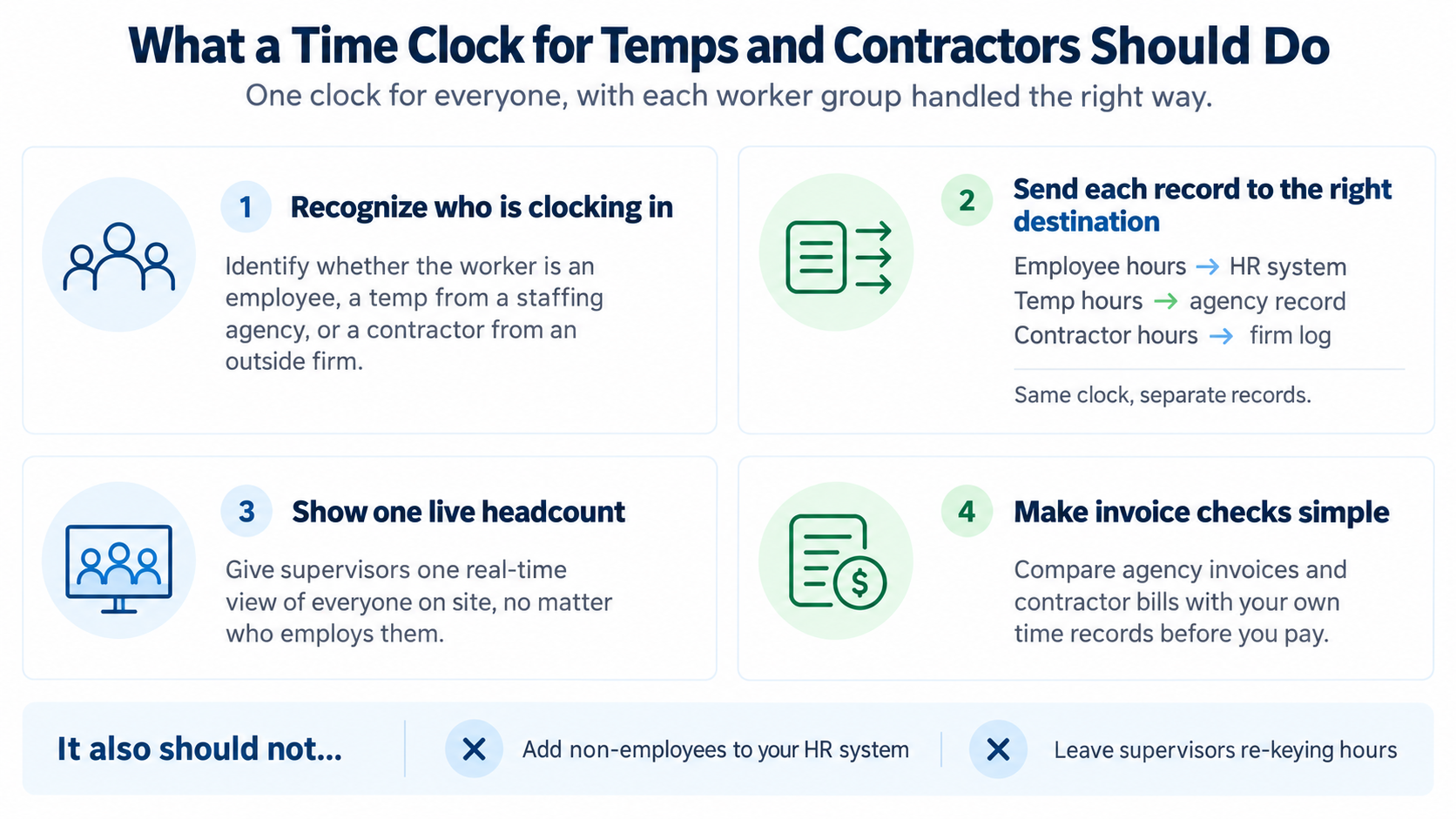
Recognize who is clocking in
The punch screen should know whether the person is an employee, a temp from a specific agency, or a contractor from a specific firm.
Send each record to its own destination
Employee hours belong in your HR system. Temp hours belong in a record for each agency, and contractor hours in a log for each firm. Everyone uses the same screen, but the records stay apart.
Show one live headcount
Supervisors should see everyone on site in a single view, whoever employs them. That matters most when a growing contingent workforce changes from week to week.
Make invoice checks simple
You should be able to hold an agency invoice or contractor bill against your own records and catch gaps before you pay, even when an MSP program for contingent labor spans several agencies.
It also shouldn’t add non-employees to your HR system or leave supervisors re-keying hours.
How CloudApper AI TimeClock Handles a Mixed Workforce
CloudApper AI TimeClock turns standard tablets into time clocks for entrances, gates or job sites. Workers sign in with a PIN or QR code, and the clock asks only the questions that fit their group, such as which agency sent them.
Employee punches sync to your HR system. Temp and contractor punches go into separate records you can export for each agency and firm. Geofencing ties every punch to the right location, and offline capture syncs punches once a weak connection returns. Custom questions at clock-in can capture job, site or a short attestation, and an AI HR assistant answers common questions on the same screen. For companies that rely on temporary staffing to cover labor shortages, that means faster starts and fewer manual fixes.
Conclusion
Employees, agency temps and contractors often share a site but not a time record. That leaves supervisors without a clear headcount, agency and contractor bills unchecked, and payroll clean-up to do. One clock fixes this when it recognizes each worker, keeps each group’s records separate, shows a live headcount and makes invoice checks easy. CloudApper AI TimeClock does that on standard tablets, with geofencing, offline capture and custom prompts built in. It is compatible with major HR systems such as UKG, Workday, Dayforce and Oracle.
If your sites run on employees, temps and contractors at the same time, you can book a demo and see how one clock keeps all three records straight.
Frequently Asked Questions
Can agency temps use the same time clock as employees?
Yes. Temps use the same tablet, and their hours go into a separate agency record.
Do temps and contractors need to be added to our HR system to clock in?
No. Only employee punches go to your HR system. Some HR systems can hold contingent worker records, but the clock doesn’t need them there.
How do we check an agency invoice against our own records?
Export the agency’s hours for the billing period and compare them with the invoice.
Does the time clock work without reliable Wi-Fi?
Yes. Punches are saved on the tablet and sync once the connection is back.

What is CloudApper AI Platform?
CloudApper AI is an advanced platform that enables organizations to integrate AI into their existing enterprise systems effortlessly, without the need for technical expertise, costly development, or upgrading the underlying infrastructure. By transforming legacy systems into AI-capable solutions, CloudApper allows companies to harness the power of Generative AI quickly and efficiently. This approach has been successfully implemented with leading systems like UKG, Workday, Oracle, Paradox, Amazon AWS Bedrock and can be applied across various industries, helping businesses enhance productivity, automate processes, and gain deeper insights without the usual complexities. With CloudApper AI, you can start experiencing the transformative benefits of AI today. Learn More
- Useful Links:
- Agentic AI
- No-Code/Low-Code
- Custom Software
- HCM Personalization
- iPaaS
- FedRAMP

Brochure
CloudApper AI TimeClock
For accurate & touchless time capture experience.
Download Brochure
CloudApper AI Solutions for HR



- Works with








- and more.
Similar Posts

QR Code Time Clocks: When a Scan-to-Punch Clock Fits Seasonal…

Adding a New Location to Your HR System: The Time…