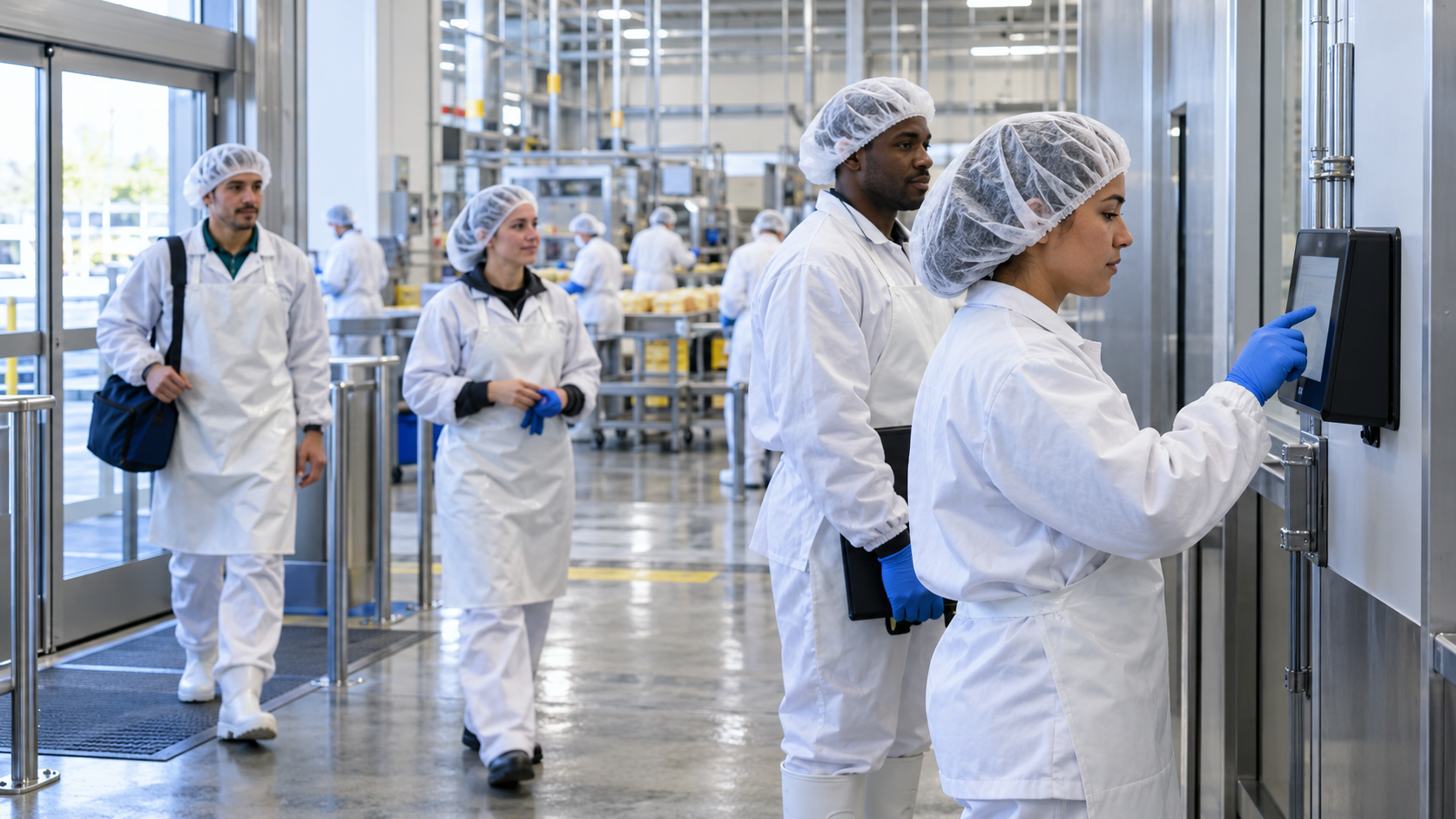
A phone ban on the production floor takes away the app hourly workers used to clock in and check schedules. Here is how shared Face ID kiosks keep punches, PTO requests and HR answers flowing into your HR system.

TL;DR
- A phone ban on the production floor removes mobile punching and self-service in one step, so plan the replacement before the ban starts.
- Shared Face ID kiosks at each entrance let workers clock in without phones, badges or PINs.
- Put the kiosk where the paid shift should begin, so storing phones and gearing up doesn't turn into a pay dispute.
- Give workers their schedules, PTO requests and HR answers at the kiosk, since their phones can no longer do it.
Table of Contents
- What Breaks When You Ban Cell Phones on the Production Floor
- How Shared Kiosks Keep a Phone-Free Floor Punching
- What CloudApper AI TimeClock Is and How It Works on a Phone-Free Floor
- Keeping Every Punch on Record After the Phones Go in the Locker
When a plant bans personal phones on the production floor, hourly workers lose the app they used to clock in, check their schedule and request time off, and supervisors end up rebuilding the day on paper. The rule itself usually makes sense. No cell phones on the production floor keeps attention on the machines, keeps contamination off food and pharma lines, and keeps product designs off camera. What the rule needs is a way to punch in that doesn’t depend on a phone. Shared tablets at each floor entrance can recognize workers by face, record their punches and give back the self-service they lost when the phone went into the locker. CloudApper AI TimeClock does this on standard iPads and Android tablets and is compatible with Workday, UKG, Oracle and Dayforce, so every punch lands in the HR system you already run.
What Breaks When You Ban Cell Phones on the Production Floor
Most hourly employees already have capable mobile time clock apps on their phones. They punch with a location check, see their schedules, request PTO and read pay stubs from anywhere, and for field crews and office staff that works well. The trouble starts when the phone is no longer allowed past the locker room.

Punches move back to paper
With the mobile clock gone, plants that never installed enough terminals fall back on sign-in sheets and supervisor entries. Every handwritten time becomes a manual punch correction, and every correction is another chance for a missed punch, a wrong department code or a dispute on payday.
Lines form at the few clocks you have
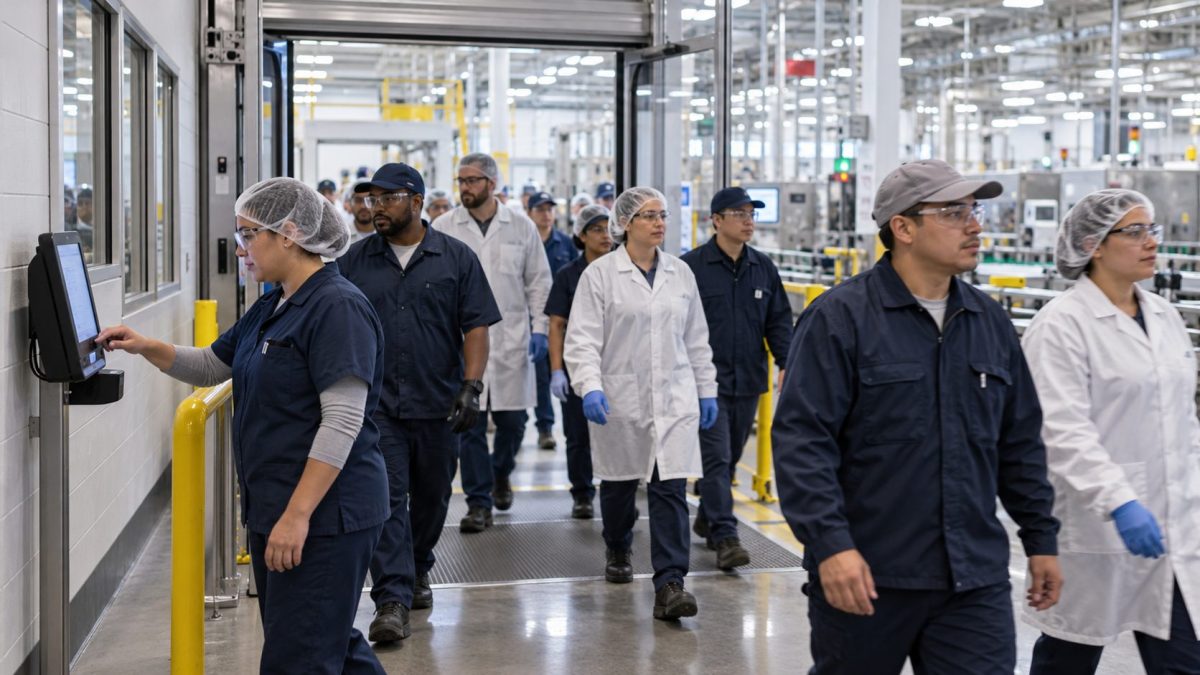
Wall terminals were sized for the people who didn’t use the app. When a whole shift needs them at once, workers queue at shift change, and those minutes show up as late punches or overtime nobody planned.
Workers lose their self-service
Schedules, PTO balances and pay stubs lived in the app too. Without them, questions land on supervisors and HR, often in the middle of a run.
Pre-shift steps raise pay questions
If workers have to store their phones and put on PPE before they can reach a clock, someone will eventually ask whether that time is paid. Federal and state rules don’t treat it the same way, so the safer setup puts the clock where the paid day should begin.
How Shared Kiosks Keep a Phone-Free Floor Punching
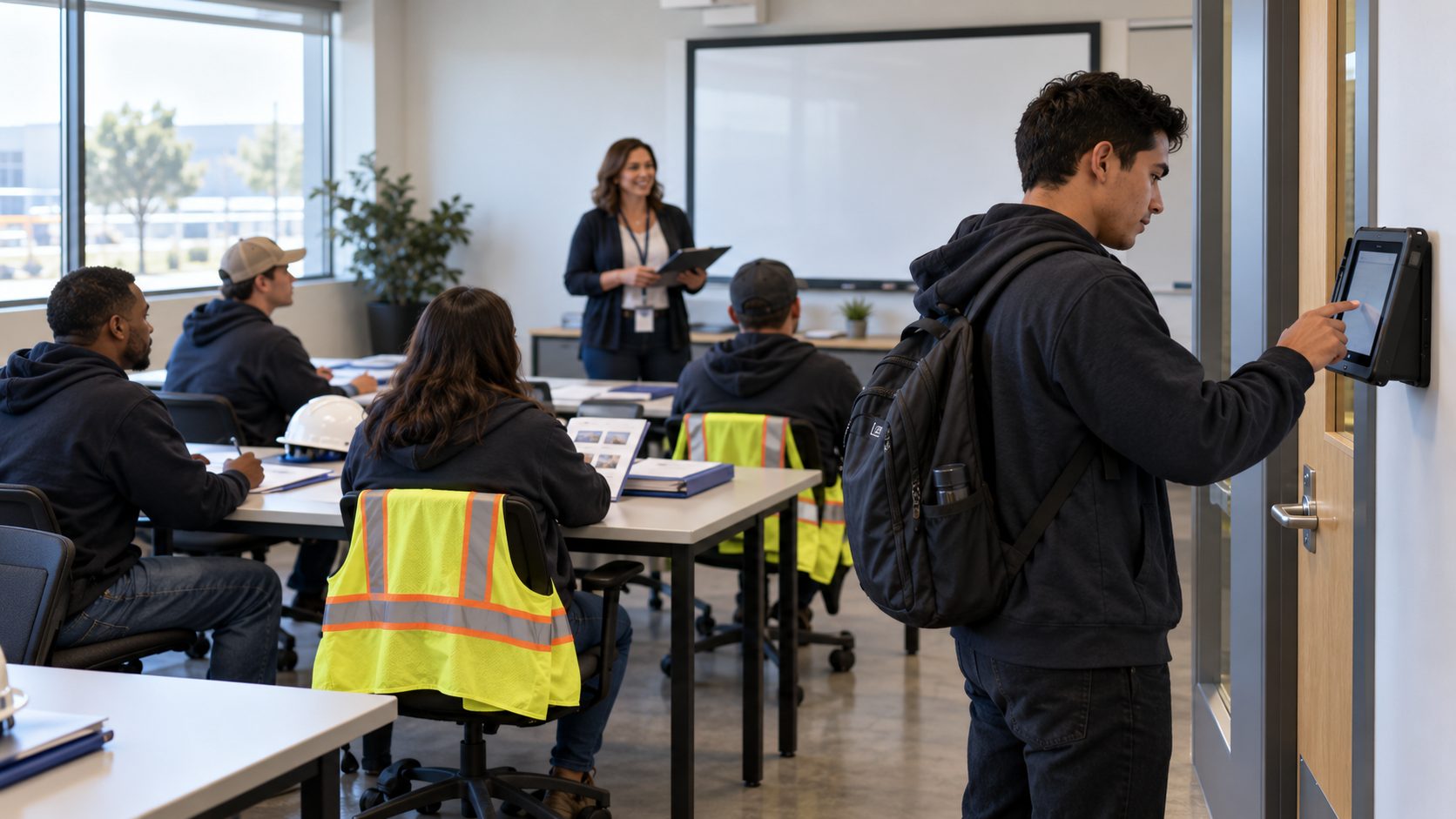
The fix is to put the clock at the floor entrance instead of in the worker’s pocket. Plenty of plants need it: in a November 2025 survey of 300 U.S. frontline manufacturing workers, 64% said they work under partial or complete smartphone restrictions on the production floor.
How it works
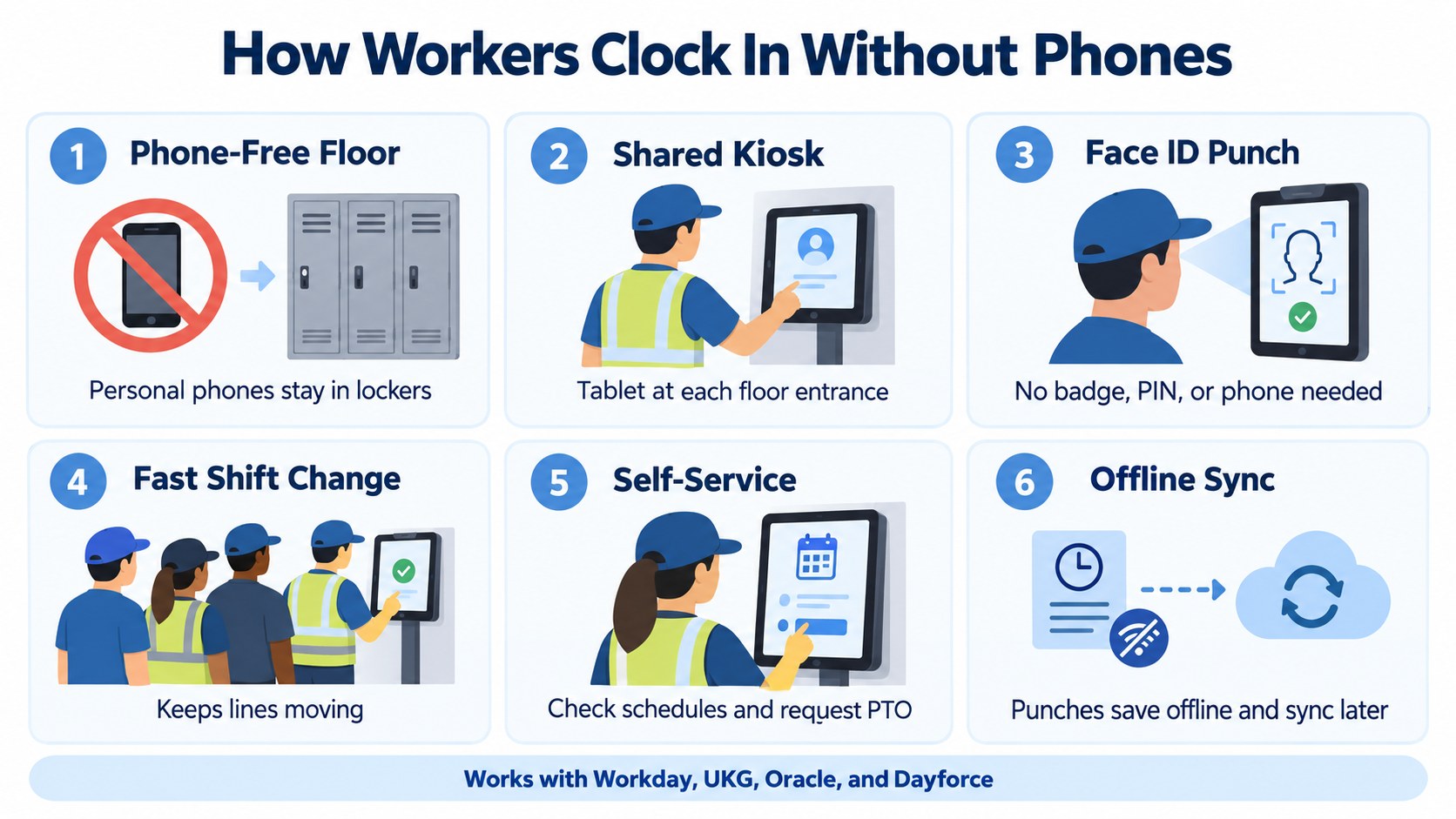
A tablet is mounted at each floor entrance and break area. Workers punch by looking at the screen, and Face ID confirms who they are without a badge or PIN. Crew leads can clock a whole line in at once, and if the network drops, punches are stored on the device and sent to the HR system when the connection comes back.
Why it holds up for large operations
Every tablet runs the same configuration, so a setup proven at one plant can be copied to fifty. Settings are managed centrally across locations, there are no badges to reprint when people lose them, and a busy entrance gets more capacity by adding another tablet rather than ordering another terminal. The punch rules stay the same at every site, which keeps payroll consistent across the network.
Where it applies
- Food and beverage processing, where phones are a contamination risk
- Pharmaceutical and biotech manufacturing with gowned or clean areas
- Electronics and semiconductor plants with cleanrooms
- Automotive and aerospace suppliers protecting customer designs
- Packaging plants and distribution centers that handle confidential customer orders
What CloudApper AI TimeClock Is and How It Works on a Phone-Free Floor
CloudApper AI TimeClock is an app that turns standard iPads and Android tablets into time clocks for hourly teams. It works beside your HR system rather than replacing it, which keeps pay rules, accruals and payroll where they are and makes the tablet the place where every punch starts. Plants where many workers never carried phones face the same gap, which is why time tracking for manufacturing workers without mobile devices runs on the same shared tablets.
Face ID instead of phones and badges
Workers clock in by looking at the tablet, so nobody needs a phone, a card or a PIN to punch. It also ends buddy punching, which is why the return on facial recognition time clocks in manufacturing tends to show up quickly in payroll.
Built for shift change
A crew lead can clock a full line in or out with group time entry, which clears the rush at the entrance in seconds. Punches are kept on the tablet during an outage and sent on once the connection returns, so a dropped network never costs anyone a shift.
Self-service at the kiosk
The phone ban took away schedules, PTO balances and HR answers, so the kiosk gives them back. Workers can check their schedule, request time off at the clock and ask the AI HR assistant a policy question before they walk onto the floor.
Lower hardware cost
Because it runs on off-the-shelf iPads and Android tablets, putting a clock at every entrance costs far less than buying proprietary time clock hardware. CloudApper puts the hardware savings at up to 60%, and a broken tablet can be swapped the same day instead of waiting on a repair.
Keeping Every Punch on Record After the Phones Go in the Locker
A phone ban on the production floor is a sound rule for safety, quality and confidentiality, but it quietly removes the mobile clock and self-service that hourly workers relied on. Left alone, that gap turns into paper sign-in sheets, lines at shift change, unanswered PTO questions and pay disputes over pre-shift time. Shared kiosks at each entrance close it with Face ID punches, group punching for crews, offline storage and one setup that copies to every plant, whether the floor makes food, medicine, chips or car parts. CloudApper AI TimeClock delivers that on iPads and Android tablets and sends every punch straight into Workday, UKG, Oracle or Dayforce.
If your plant is planning a phone ban, or already has one, see it working on your own floor in a short demo.
Frequently Asked Questions
Can employers ban cell phones on the production floor?
In most cases, yes. Employers can limit personal phone use during work time when there is a business reason such as safety, product quality or protecting confidential information. Rules that reach further, such as stopping workers from discussing pay or working conditions, can draw scrutiny under the National Labor Relations Act, so have counsel review the written policy.
How do employees clock in without a phone?
They punch at a shared tablet time clock mounted at the floor entrance. With Face ID, the tablet identifies each worker by face, so no phone, badge or PIN is needed.
Is the time spent putting phones in a locker paid?
It depends on federal and state law and on how your process is set up. California courts, for example, have required pay for time employees spend on the premises under the employer’s control, such as mandatory bag checks. The simplest approach is to place the clock before the locker room so the paid day starts first.
Can workers still request PTO without their phone?
Yes. The kiosk shows schedules and PTO balances and takes time-off requests, which route into your HR system for approval.
What happens to punches if the plant network goes down?
CloudApper AI TimeClock stores punches on the tablet and syncs them to your HR system once the connection returns, so no shift goes missing.

What is CloudApper AI Platform?
CloudApper AI is an advanced platform that enables organizations to integrate AI into their existing enterprise systems effortlessly, without the need for technical expertise, costly development, or upgrading the underlying infrastructure. By transforming legacy systems into AI-capable solutions, CloudApper allows companies to harness the power of Generative AI quickly and efficiently. This approach has been successfully implemented with leading systems like UKG, Workday, Oracle, Paradox, Amazon AWS Bedrock and can be applied across various industries, helping businesses enhance productivity, automate processes, and gain deeper insights without the usual complexities. With CloudApper AI, you can start experiencing the transformative benefits of AI today. Learn More
- Useful Links:
- Agentic AI
- No-Code/Low-Code
- Custom Software
- HCM Personalization
- iPaaS
- FedRAMP

Brochure
CloudApper AI TimeClock
For accurate & touchless time capture experience.
Download Brochure
CloudApper AI Solutions for HR



- Works with








- and more.
Similar Posts
In-Vehicle Time Clocks for Crews Who Rotate Trucks: Clocking In…
New Hire Orientation Pay: Recording Orientation Hours in Training Rooms…