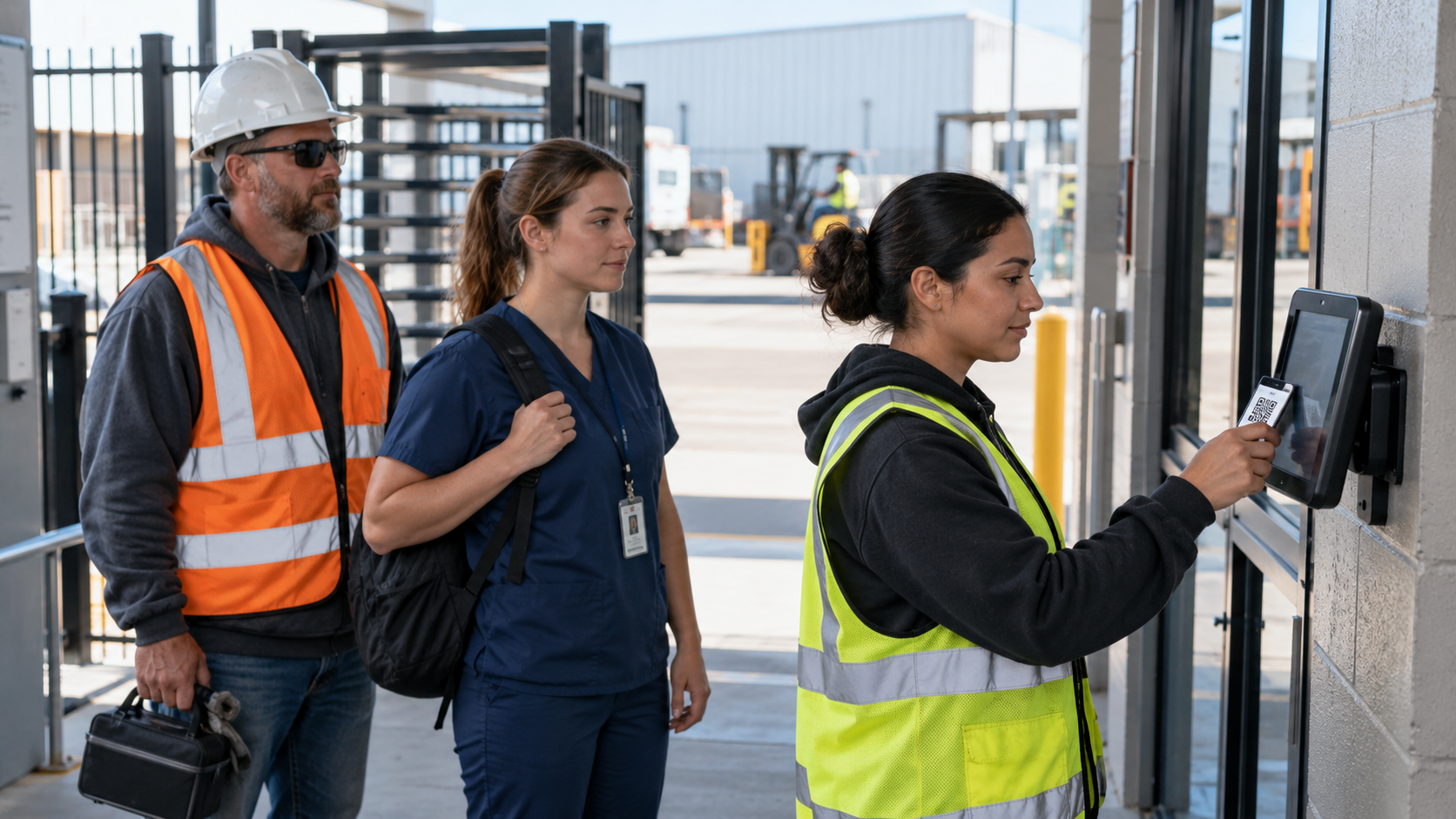
Crews who switch trucks have no wall clock to punch, so hours arrive late and from memory. See how an in-vehicle time clock for crews puts one shared tablet in each cab, records every punch offline and sends the hours to Workday, UKG, Oracle or Dayforce.

TL;DR
- Crews who rotate trucks have no fixed place to clock in, so their hours usually arrive late and from memory.
- An in-vehicle time clock for crews puts one shared tablet in each cab so every worker punches the same way.
- Each punch records the worker, the truck and the location, and it saves offline until the truck has a signal.
- CloudApper AI TimeClock sends those punches into Workday, UKG, Oracle or Dayforce, where your pay rules already run.
- Standard iPads and Android tablets keep the cost per truck low across hundreds of vehicles.
Table of Contents
- Why Tracking Crew Hours From the Truck by Hand Breaks Down
- How an In-Vehicle Time Clock for Crews Works
- A Shared Time Clock for Every Truck
- Bringing the Time Clock to Where the Workday Starts
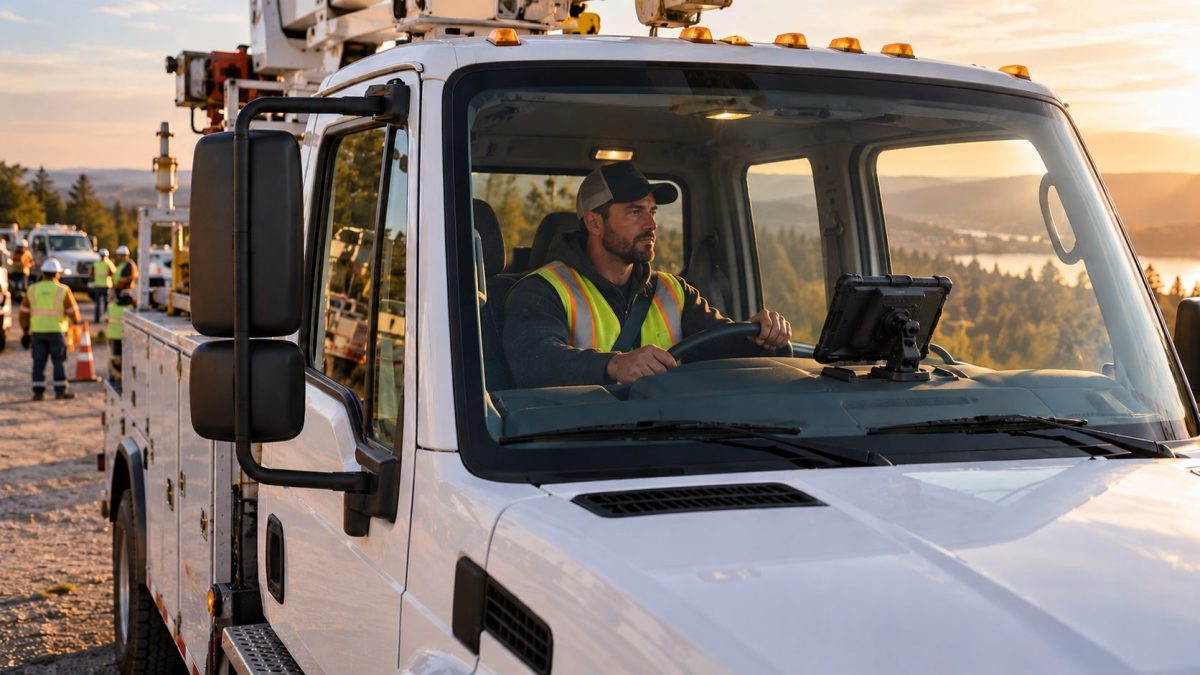
When a crew’s workday starts in a truck instead of a building, and the crew switches trucks from one day to the next, there is no wall clock to punch, so hours reach payroll through phone calls, paper sheets and personal phones. An in-vehicle time clock for crews fixes that by putting one shared tablet in each truck’s cab. Every worker signs in on that tablet at the start and end of the shift, and each punch records who clocked in, which truck they were in and where it happened. If the truck is out of signal range, the punches wait on the device and sync once it reconnects. CloudApper’s AI TimeClock does this on standard tablets and is compatible with Workday, UKG, Oracle and Dayforce, so the crew’s hours land in the HR system you already use.
Why Tracking Crew Hours From the Truck by Hand Breaks Down
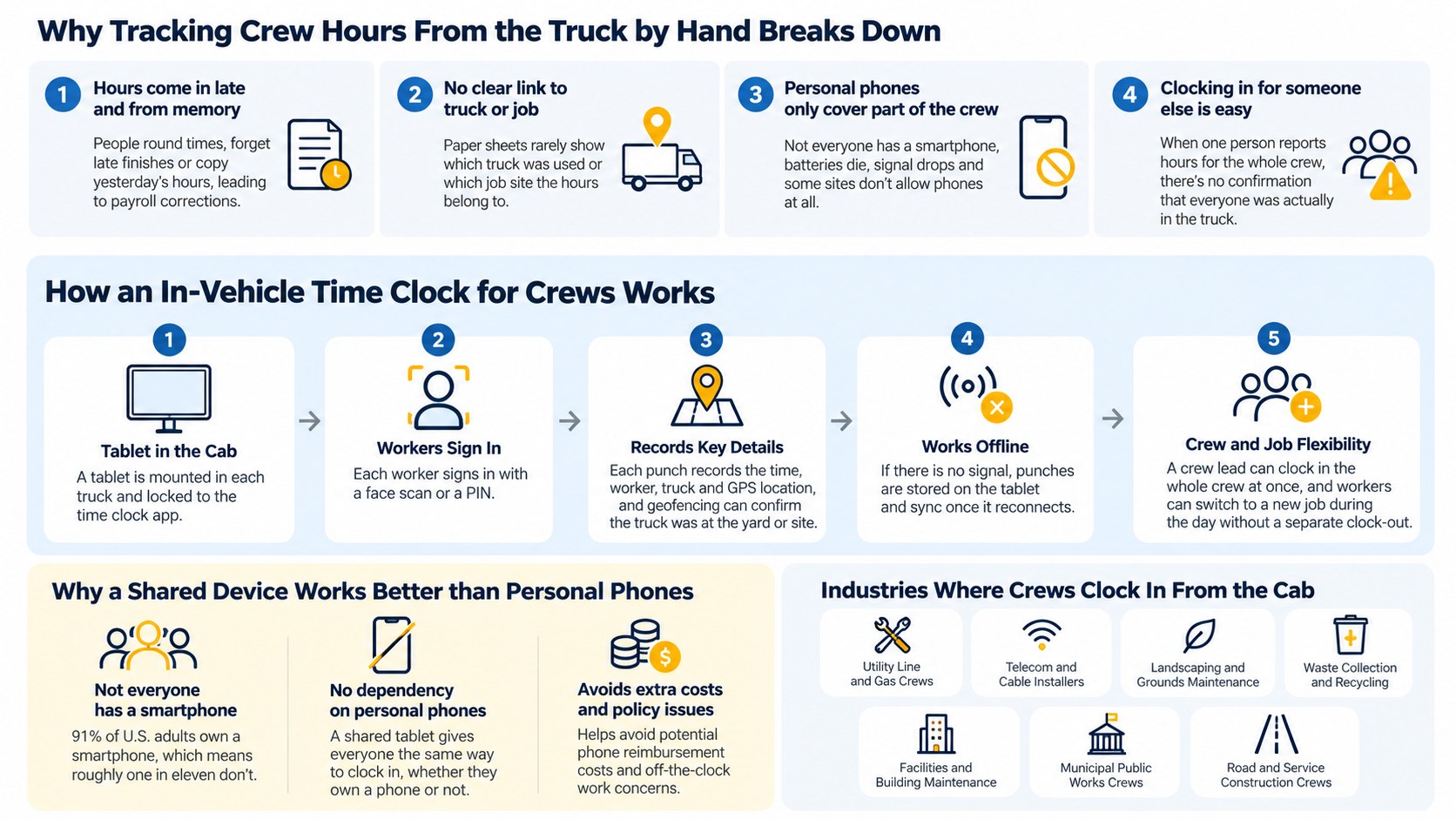
Without an in-vehicle time clock for crews, people fall back on whatever is handy. A foreman texts the start time to a supervisor. Someone fills in a sheet that goes back to the yard at the end of the week. A few workers punch on their own phones and the rest don’t. Each method breaks in its own way.

Hours come in late and from memory
When hours are written down hours or days after the work, people round them, forget the late finish or copy yesterday’s times. Payroll then has to chase the crew lead to confirm them, and the corrections pile up before every pay run.
Nobody knows which truck or job the hours belong to
A crew that rotates vehicles may work out of three different trucks in a week. A paper sheet rarely shows which truck was used or which job site the crew drove to, so the hours can’t be tied back to a vehicle, a job or a customer.
Personal phones only cover part of the crew
Mobile apps work well for workers who own a smartphone, carry it and are willing to use it for work. On a crew, that isn’t always everyone. Batteries die on long shifts, signal drops in rural areas, and some job sites don’t allow phones at all. In a few states, requiring workers to use a personal phone for work can also mean reimbursing part of the bill, and phones bring their own questions about off-the-clock work.
Clocking in for someone else is easy
When one person reports hours for the whole crew, nothing confirms that each worker was actually in the truck. A missing worker can be marked present, and nobody finds out until something goes wrong.
How an In-Vehicle Time Clock for Crews Works
A tablet is mounted in the cab and locked to the time clock app, so it can’t be used for anything else. At the start of the shift, each worker signs in on that tablet with a face scan or a PIN. The punch records the time, the worker, the truck and the GPS location, and geofencing can confirm the truck was at the yard or the job site. If there is no signal, the tablet stores the punches offline and sends them when it reconnects. A crew lead can also clock in the whole crew at once, and workers can switch to a new job during the day without a separate clock-out.
Why a shared device works better than personal phones
A shared tablet doesn’t depend on what each worker carries. According to the Pew Research Center, 91% of U.S. adults own a smartphone, which means roughly one in eleven don’t. On a crew of a dozen people, that can easily be one worker with no app to punch with. A tablet in the cab gives everyone the same way to clock in, whether they own a phone or not.
Why it holds up at enterprise scale
An in-vehicle time clock for crews grows one truck at a time. Each vehicle needs one tablet, not one device per worker. IT can manage the tablets centrally, push updates and keep them locked in kiosk mode. The same punch rules apply to every truck, whether you run 20 vehicles or 2,000, and the data goes straight into your HR system instead of through spreadsheets.
Industries where crews clock in from the cab
- Utility line and gas crews
- Telecom and cable installers
- Landscaping and grounds maintenance
- Waste collection and recycling
- Facilities and building maintenance
- Municipal public works crews
- Road and service construction crews
A Shared Time Clock for Every Truck
Workday, UKG, Oracle and Dayforce are built to run time and pay for large workforces. They apply overtime and pay rules, manage schedules, route timecard approvals and run payroll, and they offer wall-mounted terminals for buildings and mobile apps for workers with their own phones. A crew that starts its day in a rotating truck sits between those two options, and that is where CloudApper AI TimeClock fits as an in-vehicle time clock for crews.
CloudApper AI TimeClock turns a standard iPad or Android tablet into an enterprise time clock. In the cab, it works like this:
- Workers sign in with Face ID or a PIN, which stops one person from clocking in for another.
- Geofencing checks where each punch happened.
- Offline-first sync keeps punches safe when the truck is out of range.
- Group punches let a crew lead clock in the whole crew.
- An AI HR assistant answers questions about schedules, hours and PTO balances right on the tablet.
Every punch goes into Workday, UKG, Oracle or Dayforce through CloudApper’s integrations, so your existing pay rules and approvals keep working without changes.
The hardware is where the savings show up. Because the app runs on iPads and Android tablets you can buy almost anywhere, you don’t need a proprietary terminal in every truck. A rugged case and a dash or console mount are usually enough. If a tablet breaks, you swap in another one, and when a truck is retired, its tablet moves to the next vehicle.
Bringing the Time Clock to Where the Workday Starts
Crews that rotate trucks don’t have a building to clock in at, so their hours often come in late, from memory or from phones that only part of the crew carries. That leads to payroll corrections, missing details about which truck and job the hours belong to, and little proof of who was actually working. An in-vehicle time clock for crews solves this with one shared tablet in each cab that records the worker, the truck and the location, even without signal, and it scales across hundreds of vehicles in industries from utilities to public works. CloudApper AI TimeClock delivers that on standard iPads and Android tablets and sends every punch into Workday, UKG, Oracle or Dayforce, where your pay rules already run.
If your crews still report their hours from the road, contact us to see how a time clock in the cab would work for your teams.
Frequently Asked Questions
What is an in-vehicle time clock?
An in-vehicle time clock is a tablet mounted in a truck or van that crew members use to clock in and out. It records who punched, when, which vehicle they were in and where the punch happened, then sends the hours to your HR system.
Can crew members clock in from the truck without a cell signal?
Yes. CloudApper AI TimeClock stores punches on the tablet when there is no signal and syncs them to your HR system once the connection returns.
Does an in-vehicle time clock work with Workday, UKG, Oracle and Dayforce?
CloudApper AI TimeClock integrates with Workday, UKG, Oracle and Dayforce, so punches from the truck flow into the same timecards and pay rules as punches from any other clock.
Can one tablet handle a whole crew?
Yes. Each worker signs in on the same tablet with Face ID or a PIN, and a crew lead can clock in the whole crew at once with a group punch.
What happens when a worker switches trucks during the week?
The worker signs in on the tablet in whichever truck they use that day. Each punch records the truck and location, so payroll and operations can see which vehicle and job the hours belong to.

What is CloudApper AI Platform?
CloudApper AI is an advanced platform that enables organizations to integrate AI into their existing enterprise systems effortlessly, without the need for technical expertise, costly development, or upgrading the underlying infrastructure. By transforming legacy systems into AI-capable solutions, CloudApper allows companies to harness the power of Generative AI quickly and efficiently. This approach has been successfully implemented with leading systems like UKG, Workday, Oracle, Paradox, Amazon AWS Bedrock and can be applied across various industries, helping businesses enhance productivity, automate processes, and gain deeper insights without the usual complexities. With CloudApper AI, you can start experiencing the transformative benefits of AI today. Learn More
- Useful Links:
- Agentic AI
- No-Code/Low-Code
- Custom Software
- HCM Personalization
- iPaaS
- FedRAMP

Brochure
CloudApper AI TimeClock
For accurate & touchless time capture experience.
Download Brochure
CloudApper AI Solutions for HR



- Works with








- and more.
Similar Posts
New Hire Orientation Pay: Recording Orientation Hours in Training Rooms…
Time Clocks for Food Processing Plants: Sanitation Shifts, Line Changes…