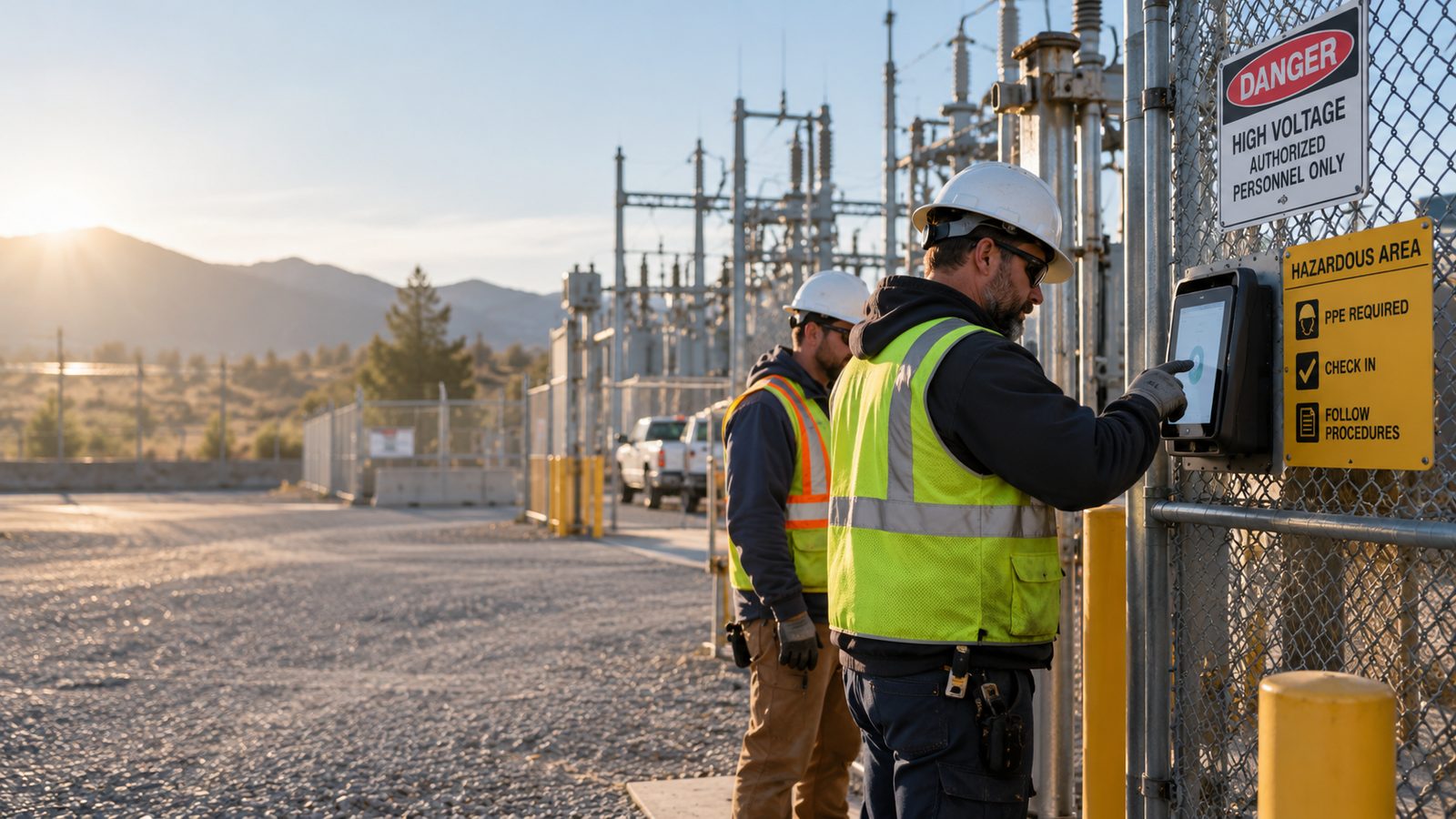
A time clock for security guards verifies exactly who covered each post, for how long, and from where, giving contract security firms records clients and payroll can trust without relying on radio check-ins or paper sign-in sheets.

TL;DR
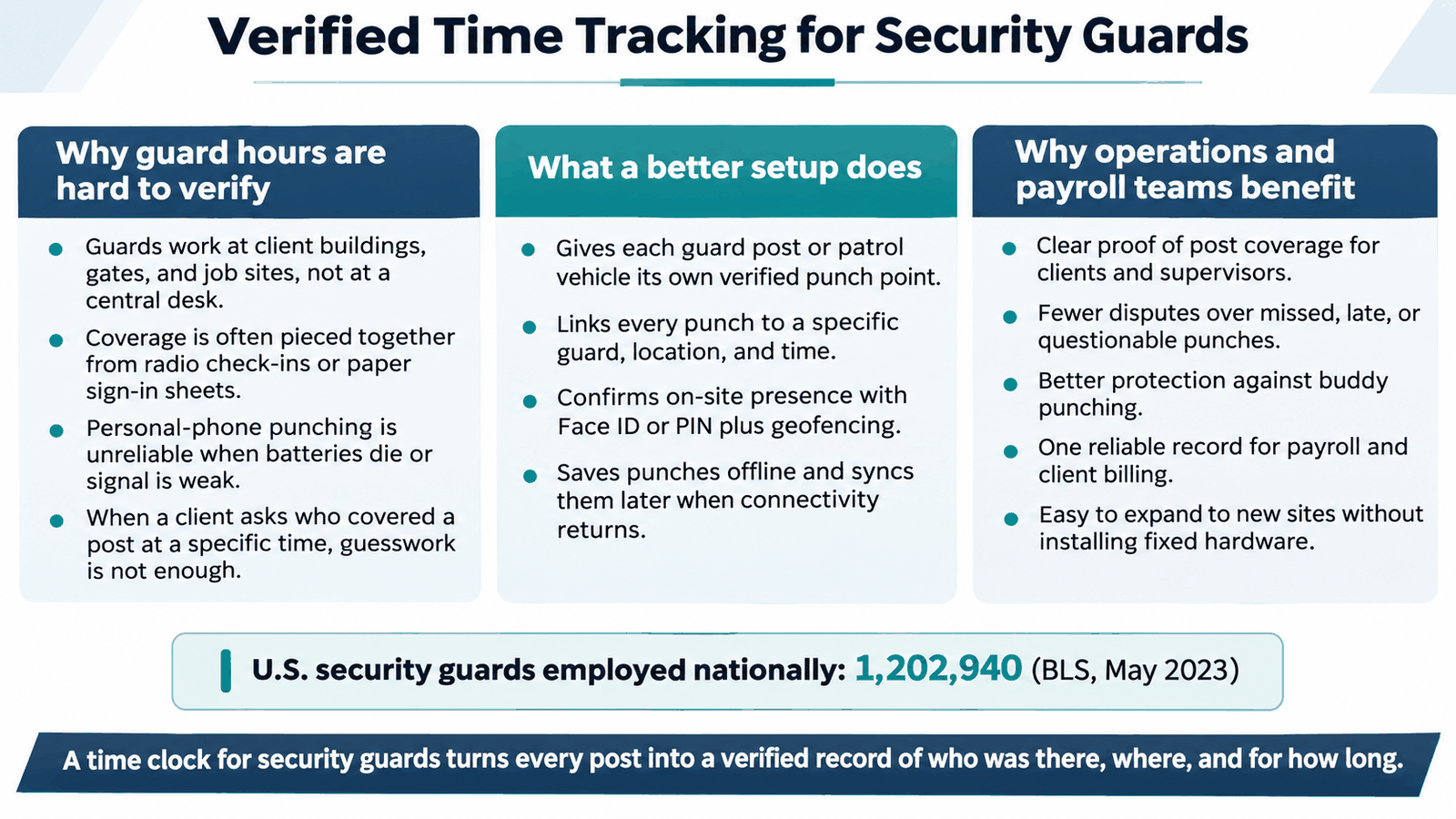
- Guards posted at client sites have no fixed place to punch in, so coverage is usually pieced together from radio logs or paper sheets.
- A time clock for security guards gives every post or patrol vehicle its own verified punch point tied to a guard, a place, and a time.
- Face ID and geofenced punches confirm who was on post, replacing disputes with a record both the contractor and the client can check.
- CloudApper AI TimeClock runs on everyday tablets, so adding a new post or client contract costs far less than installing fixed hardware.
- Punches sync into Workday, UKG, Oracle, or Dayforce, so payroll and billing use the same hours without manual reconciliation.
Table of Contents
- Why Guard Hours Are Hard to Pin Down Without a Fixed Post
- A Time Clock for Security Guards That Confirms Coverage at Every Post
- CloudApper AI TimeClock for Security and Patrol Companies
- Turning Every Post Into Proof of Coverage
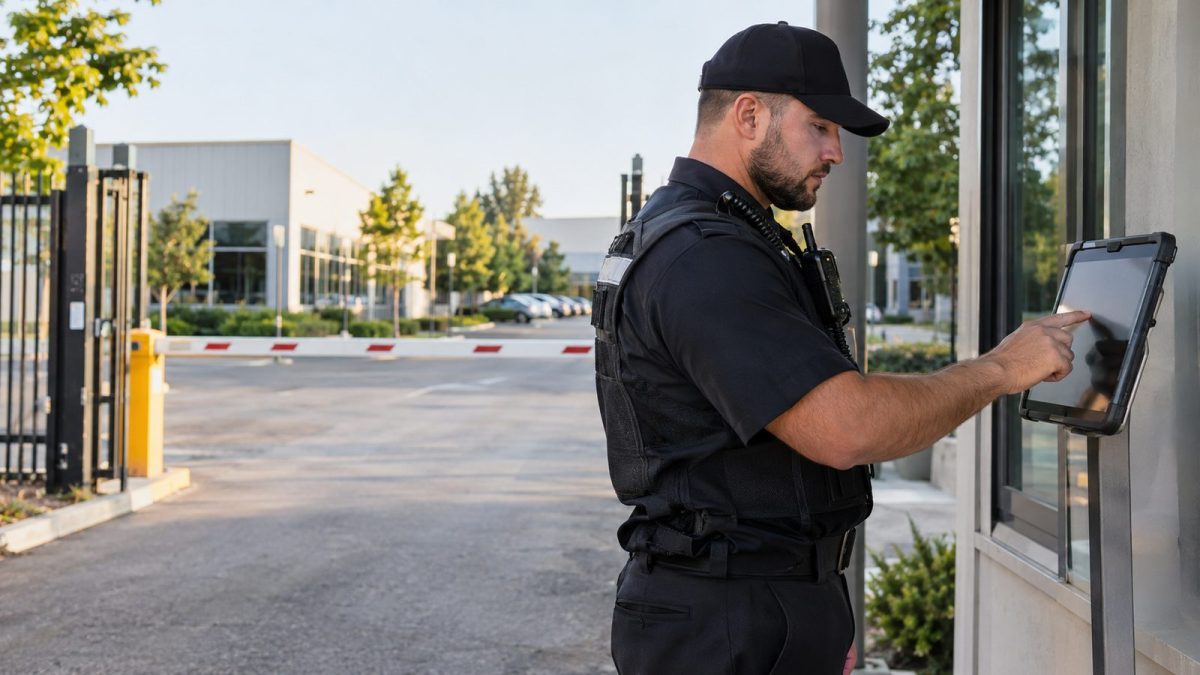
Security guards spend their shifts posted at a client’s building, gate, or job site, not at a desk, so there is rarely a fixed place for them to punch in and out. Supervisors piece coverage together from radio check-ins, paper logs, or a guard’s personal phone, and none of those answer the question a client eventually asks: was someone actually on post for the whole shift? A time clock for security guards solves this by giving every post or patrol vehicle its own verified punch point, tied to a specific guard, place, and time rather than a guess. CloudApper AI TimeClock runs on standard iPads and Android tablets and works alongside Workday, UKG, Oracle, and Dayforce, so punches from every post reach the HR system your payroll team already uses.
Why Guard Hours Are Hard to Pin Down Without a Fixed Post
A security contractor’s workforce is scattered across client properties the contractor doesn’t own or control, which rules out installing a wall-mounted clock at every site. Guards rotate between posts, pick up extra shifts on short notice, and are often supplied through staffing agreements with high turnover. Radio check-ins get logged by a dispatcher who wasn’t physically there. Paper sign-in sheets at a guard shack can be filled out hours later, by whoever is nearest the clipboard. A mobile app tied to a personal phone only works if the guard owns one, keeps it charged, and has signal at a rural site or an underground garage. When an incident happens and a client asks who covered a specific post at a specific hour, the contractor needs an answer backed by a record, not a recollection.

A Time Clock for Security Guards That Confirms Coverage at Every Post
A dedicated, verified punch point at each post, gatehouse, or patrol vehicle fixes this. A guard clocks in with Face ID or a PIN, and the device confirms location through geofencing, so a punch only registers when the guard is actually at the assigned site. If there’s no signal, the punch saves on the device and syncs once a connection returns, which is common in warehouses, parking structures, and remote industrial sites. The same setup works for a ten-guard contractor and for a national firm running hundreds of posts, because adding a client means adding a device, not rewiring a building. That holds true across corporate campuses, hospitals, retail centers, gated communities, and construction sites. This is not a small workforce: the U.S. Bureau of Labor Statistics counted 1,202,940 security guards employed nationally as of May 2023, and a firm managing that many scattered, hourly workers needs time tracking software built for sites it doesn’t own.
CloudApper AI TimeClock for Security and Patrol Companies
CloudApper AI TimeClock turns a tablet into that dedicated punch point. Each device records who clocked in, where, and when, then sends that record into your HR system, keeping employee time tracking consistent even as guards move between posts or pick up a temporary or contract assignment. Because it runs on everyday tablets instead of purpose-built terminals, a contractor can add a device for a new client or swap one out in minutes if it’s lost or damaged. That’s useful for growing accounts and for patrol vehicles that change routes daily. Add geofenced verification across multiple sites and offline capture for low-signal locations, and this time tracking software trades the old radio-and-paper routine for punches a client or auditor can actually check.
Turning Every Post Into Proof of Coverage
Guards working off-site rarely have a desk or a fixed clock, so coverage has long relied on radio logs and paper sheets that fall apart the moment someone asks a hard question. A verified punch point at each post or patrol vehicle, backed by Face ID and geofencing, replaces that guesswork with a record tied to a guard, a location, and a time, whether a contractor runs ten posts or several hundred across sites it doesn’t control. That same record stops buddy punching before it starts and gives multi-location operations one consistent source of truth as contracts come and go. CloudApper AI TimeClock runs this on iPads and Android tablets, feeding every punch into Workday, UKG, Oracle, or Dayforce so payroll and client billing work from the same hours. Ready to put a verified clock at every guard post? Request a demo to see how it fits your current contracts.
FAQ
How does this work at a client site with no WiFi or company network?
The device captures the punch locally, confirms the guard’s location through geofencing, and syncs the record once it reconnects, so a lack of signal at the moment of the punch doesn’t delay the record reaching payroll.
How does this prevent one guard from clocking in for another?
Each punch requires Face ID or a PIN tied to that individual guard, so a coworker cannot clock someone else in by holding their badge or using a shared login.
Can the same system handle guards who patrol in a vehicle instead of staying at one post?
Yes. A tablet mounted in a patrol vehicle lets a guard clock in or log checkpoints along a route, with each entry recording the vehicle’s location and time rather than requiring a fixed post.
Does this replace our existing HR system?
No. It feeds verified punch data into the HR system you already use for payroll, scheduling, and compliance, whether that is Workday, UKG, Oracle, or Dayforce.
How quickly can a contractor add a new client site or post?
Because the system runs on standard tablets, a new post typically needs only a new device and a few minutes of setup, rather than installation of dedicated hardware.

What is CloudApper AI Platform?
CloudApper AI is an advanced platform that enables organizations to integrate AI into their existing enterprise systems effortlessly, without the need for technical expertise, costly development, or upgrading the underlying infrastructure. By transforming legacy systems into AI-capable solutions, CloudApper allows companies to harness the power of Generative AI quickly and efficiently. This approach has been successfully implemented with leading systems like UKG, Workday, Oracle, Paradox, Amazon AWS Bedrock and can be applied across various industries, helping businesses enhance productivity, automate processes, and gain deeper insights without the usual complexities. With CloudApper AI, you can start experiencing the transformative benefits of AI today. Learn More
- Useful Links:
- Agentic AI
- No-Code/Low-Code
- Custom Software
- HCM Personalization
- iPaaS
- FedRAMP
Brochure
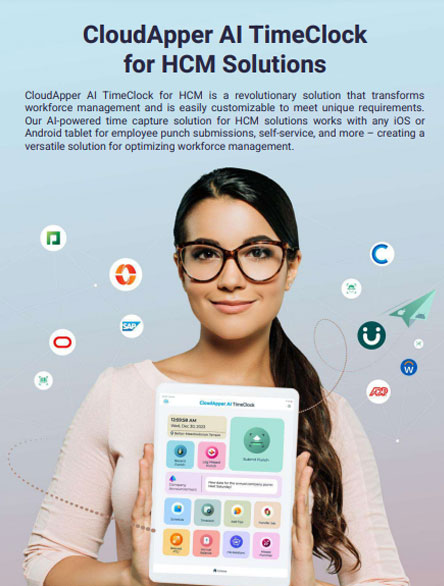
CloudApper AI TimeClock
For accurate & touchless time capture experience.
Download Brochure
CloudApper AI Solutions for HR

- Works with








- and more.
Similar Posts

Oil and Gas Field Time Tracking for Crews Working Beyond…
Farm Work and Non-Farm Work in the Same Week: Tagging…