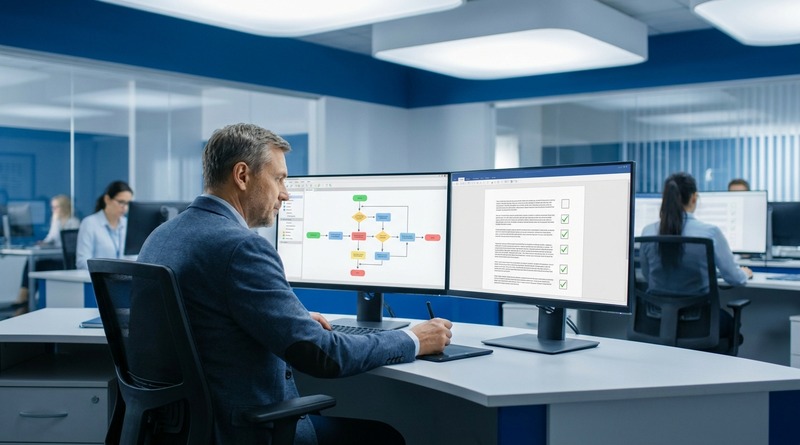
Modernization projects meant to escape unsupported legacy systems often trade one vendor dependency for another. This piece breaks down how lock-in gets recreated through closed data formats, proprietary APIs, and services-heavy contracts, and what enterprise IT teams should evaluate before signing the next modernization vendor.
TL;DR
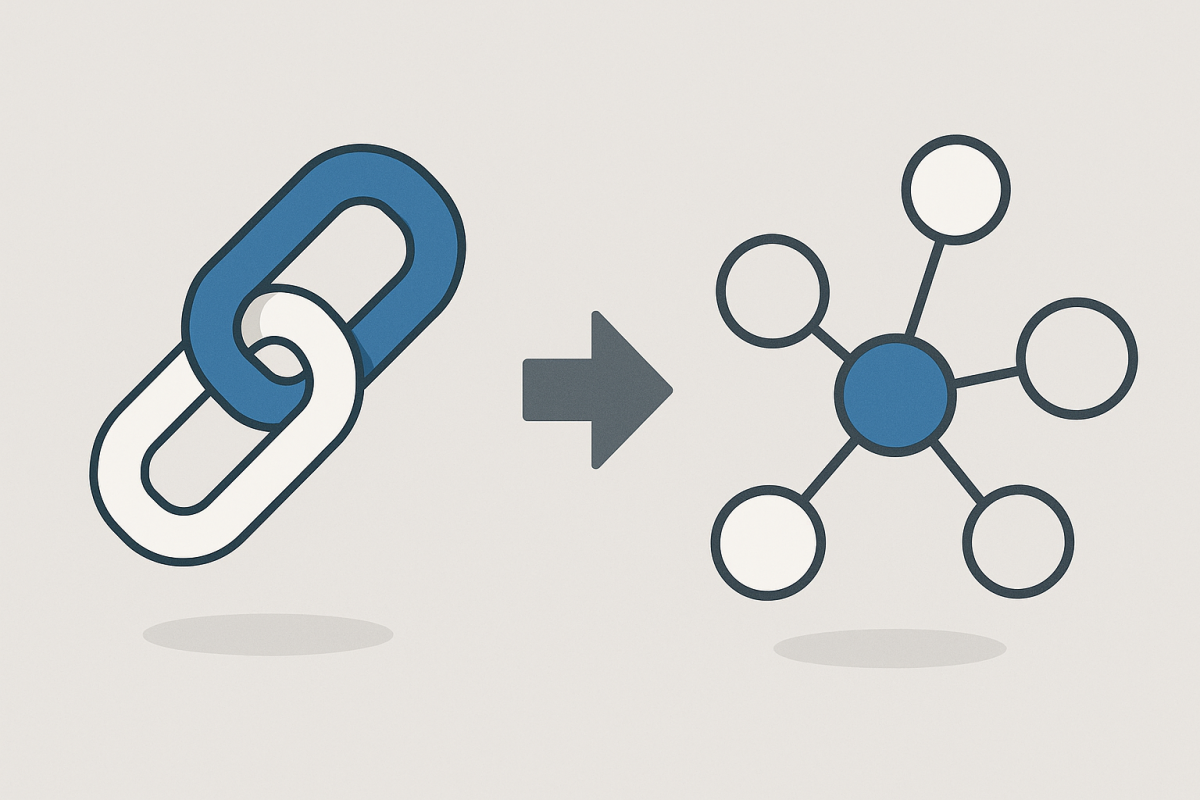
Enterprises modernizing away from unsupported legacy systems often sign with a new vendor whose proprietary data formats, closed APIs, and services-heavy contract structure recreate the same dependency risk in a different form. The fix is evaluating exit cost and data portability during vendor selection, not after the contract is signed. Platforms built on open integration layers and portable business logic, like CloudApper, let enterprises modernize quickly without losing control of their own data and applications. For regulated industries, this distinction also determines whether compliance audit trails remain defensible after the migration. The decision-maker takeaway: treat vendor lock-in as a first-class evaluation criterion, equal to cost and timeline, in any modernization RFP.
Table of Contents
- Why Modernization Projects Recreate Lock-In
- The Compliance Angle Makes This Worse, Not Better
- What Real Platform Independence Looks Like
- Evaluating Modernization Vendors Without Repeating the Mistake
- Extending Instead of Replacing, Where It Makes Sense
- The Governance Layer Is What Prevents the Repeat
Legacy system modernization vendor lock-in is the most common failure mode in enterprise modernization, and it rarely shows up during vendor evaluation. It shows up about eighteen months after go-live, when IT realizes it has signed a multi-year contract for a platform that owns the data model, controls the integration layer and charges a premium for every customization.

The old system was unsupported. The new one is supported, but only on the vendor’s terms. CloudApper works with enterprise IT teams on modernization with that ownership question at the center, because the replacement platform can quietly become the next version of the problem the project set out to solve.
Why Modernization Projects Recreate Lock-In
Lock-in doesn’t happen because IT teams are careless. It happens because the pressure driving a modernization project — an unsupported system, a compliance gap, a departing engineer who was the only person who understood the old codebase — creates urgency that shortens the evaluation window. Teams under pressure to replace something broken tend to optimize for speed to deployment and feature parity, not for long-term platform independence. Vendors know this, and the sales process is built around it: fast implementation, generous professional services credits, and a contract structure that looks flexible in year one and rigid in year three.
The mechanics of lock-in are usually one of four things. Proprietary data formats that make extraction expensive. Closed APIs that require the vendor’s own integration team for anything beyond basic connections. Custom logic built inside the vendor’s low-code environment using syntax that doesn’t transfer anywhere else. Or a services-heavy delivery model where every change, however small, has to go through a paid change request. Individually, each of these looks like a reasonable tradeoff during the sales cycle. Together, they add up to a platform that’s just as hard to leave as the one it replaced.
CloudApper built its platform on the premise that this pattern is avoidable, not inevitable. The problem isn’t modernization itself — it’s evaluating modernization vendors using the same criteria that got the enterprise into the original legacy trap.
The Compliance Angle Makes This Worse, Not Better
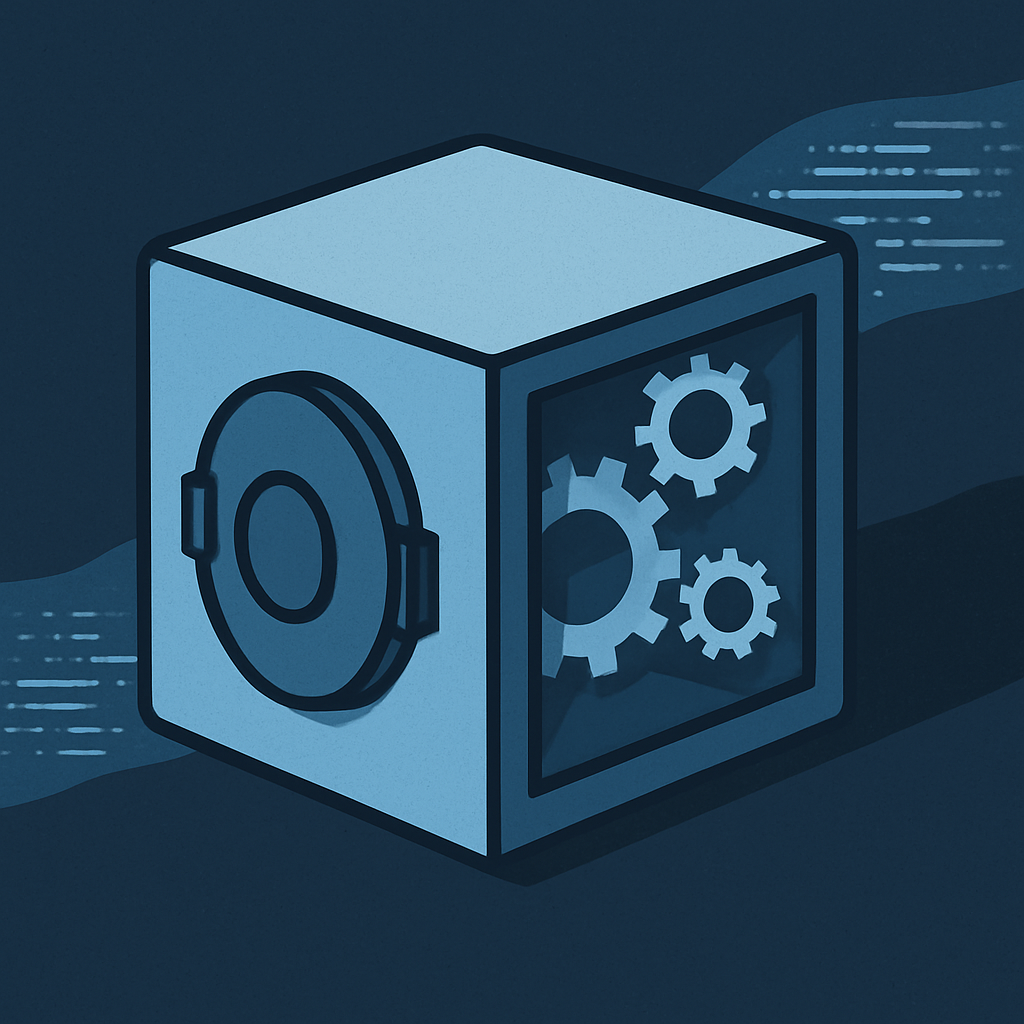
For regulated industries, this problem compounds. A hospital system migrating off an unsupported patient intake tool, a manufacturer replacing a decades-old shop-floor application, or a financial services firm modernizing a claims workflow all have compliance obligations that outlive any single vendor relationship. HIPAA, SOC 2, and FIPS 140-2 requirements don’t pause because a company is mid-migration. If the new platform’s compliance posture is opaque, or if audit evidence depends entirely on documentation the vendor controls and can change without notice, the enterprise has traded an availability risk for a compliance risk. That trade rarely gets flagged in a demo.
This is closely related to the challenge outlined in what auditors actually ask about internal application development. Auditors don’t care whether an application is new or old. They care whether the enterprise can demonstrate control over it. A modernized system that can’t produce clear audit trails because the underlying platform abstracts too much away is not meaningfully better than the legacy system it replaced.
The same logic applies to the institutional knowledge problem that drives many modernization decisions in the first place. Enterprises often modernize because the people who understood the original system have left, taking undocumented business logic with them. If the replacement platform locks that logic inside a vendor’s proprietary environment, the enterprise has recreated the exact risk it was trying to eliminate. The names change. The dependency on a single point of failure does not.
What Real Platform Independence Looks Like
Avoiding lock-in doesn’t mean avoiding vendors altogether. Every enterprise application runs on some platform, and pretending otherwise isn’t realistic. What matters is whether the platform is built around open standards and portable logic, or whether it’s built to make departure expensive.
A few signals separate the two. Data portability is the first: can the enterprise export its full data model, including relationships and metadata, in a standard format without paying for a services engagement to do it? Second is integration architecture: does the platform connect to existing enterprise systems — UKG, Workday, Oracle, SAP, Dayforce — through an open integration layer, or does every connection require the vendor’s professional services team? Third is where business logic lives: if a workflow is built inside the platform’s low-code environment, is that logic expressed in something recognizable, like standard scripting or configuration, or is it locked into a syntax that only exists inside that one vendor’s walls?
This is the standard CloudApper applies to its own platform, and it’s also the standard the company recommends enterprises hold every modernization vendor to, including itself. The iPaaS integration layer exists specifically so enterprises aren’t forced to route every connection through a single vendor’s closed pipeline. Applications built on CloudApper connect into existing HCM, ERP, and CRM systems without creating a new data silo, which is the opposite of what a lock-in-prone platform does.
The same principle shows up in how CloudApper approaches legacy replacement itself. When an enterprise application team is modernizing under pressure to move fast, the temptation is to accept whatever platform gets the project done quickest. CloudApper’s position is that speed and independence aren’t in tension if the platform is designed correctly from the start. Governed blueprints, open data structures, and a no-code environment that produces transferable logic let enterprise teams move quickly without signing away control of what they build.
Evaluating Modernization Vendors Without Repeating the Mistake
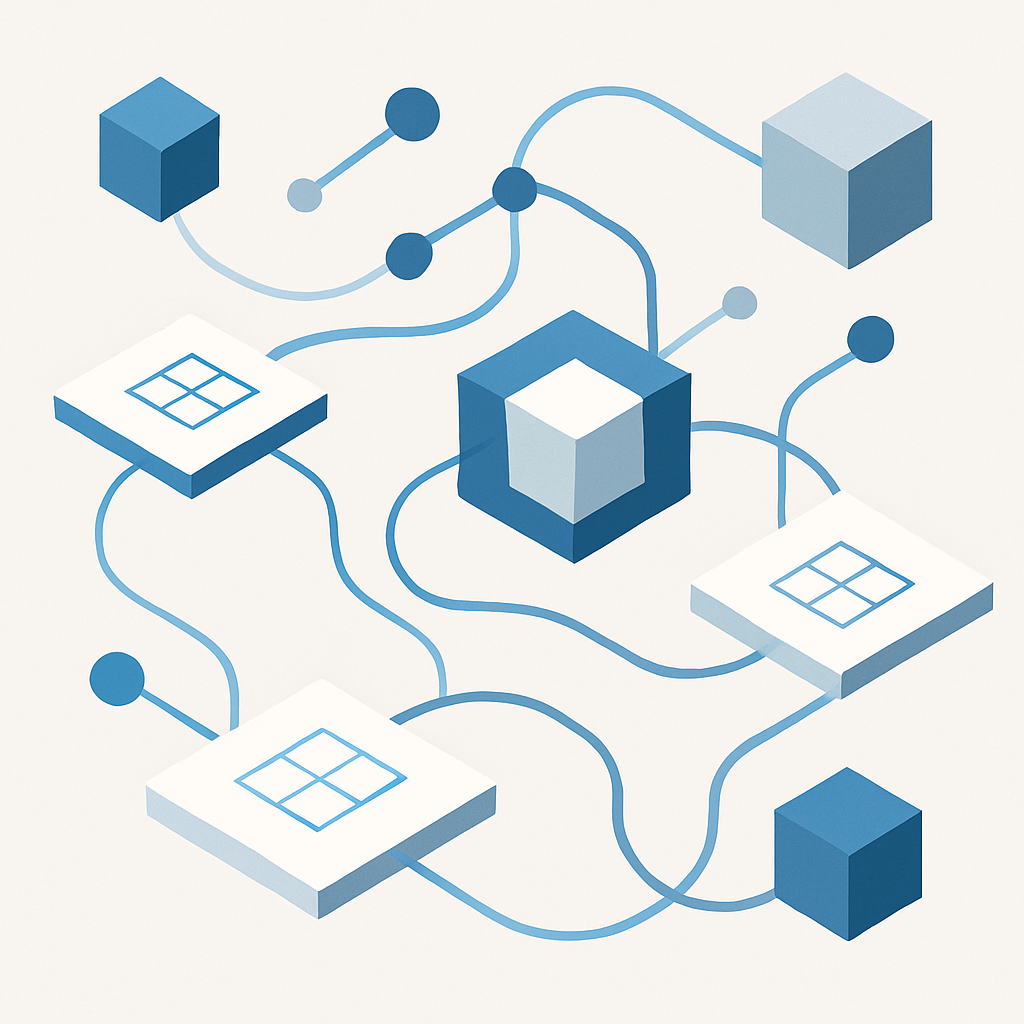
The practical fix starts earlier than most teams realize: before the RFP goes out, not after the contract is signed. A modernization evaluation should treat exit cost as a first-class criterion alongside implementation timeline and feature set. That means asking vendors directly what happens if the enterprise wants to leave in three years — not because they plan to, but because a platform that answers that question honestly is signaling something about how it’s built.
It also means separating “low-code” from “vendor-proprietary.” Not all low-code platforms lock enterprises in, and not all custom-built systems are portable. The distinguishing factor is whether the platform’s outputs — the applications, the data, the integrations — belong to the enterprise in a form it can use elsewhere, or whether they only function inside the vendor’s walled garden. This is the same evaluation lens covered in evaluating secure enterprise app development platforms when compliance is non-negotiable, and it applies just as directly to modernization vendors as it does to net-new development platforms.
Cost comparisons matter here too, but not just the licensing cost comparison most procurement teams run. The real comparison, laid out in the real cost comparison between maintaining an unsupported system and modernizing, needs a third column: the cost of leaving the new platform if it turns out to be the wrong fit. Most enterprises run the first two comparisons carefully and skip the third entirely, which is exactly how lock-in re-enters through the back door.
Extending Instead of Replacing, Where It Makes Sense
Not every legacy problem requires a full replacement, and this is where the lock-in conversation gets more nuanced. Many enterprises running UKG, Workday, Oracle, or SAP don’t need to rip out the core system — they need to extend it with governed applications and AI agents that close specific gaps without disrupting the underlying platform. CloudApper’s approach to extending an HCM system instead of replacing it outright reflects this reality. Extension carries a lower lock-in risk profile than full replacement because the core system-of-record relationship stays intact, and any governed application layered on top can be rebuilt or migrated independently of the underlying platform.
This matters for the modernization decision itself. Before committing to a full replacement and its associated vendor risk, IT teams should ask whether the actual problem is the core system or a specific workflow gap that a governed extension could close at a fraction of the cost and risk. Full replacement is sometimes the right call. It should never be the default call simply because it’s the more familiar project shape.
The Governance Layer Is What Prevents the Repeat
Ultimately, avoiding lock-in in modernization isn’t a procurement clause. It’s a governance discipline that has to be applied to the new platform with the same rigor that exposed the problems in the old one. That means documenting data ownership terms before signing, requiring standard-format exports as a contractual condition rather than a support request, and building integration architecture that doesn’t route every connection through a single vendor’s professional services queue.
CloudApper’s platform is built around this discipline by default: FedRAMP Ready, SOC 2, HIPAA, and FIPS 140-2 certifications aren’t bolted onto a proprietary core, they’re structural to how the platform handles data, integration, and application logic from the ground up. For enterprise IT teams evaluating their next modernization vendor, the question isn’t whether the new system solves today’s problem. It’s whether the enterprise will still control that system, and its data, five years from now.
Modernization shouldn’t mean trading one dependency for another. If your team is evaluating a legacy replacement and wants a platform built for openness and governance rather than lock-in, CloudApper’s team can walk through what that looks like for your environment. Get in touch with CloudApper to start the conversation.

What is CloudApper AI Platform?
CloudApper AI is an advanced platform that enables organizations to integrate AI into their existing enterprise systems effortlessly, without the need for technical expertise, costly development, or upgrading the underlying infrastructure. By transforming legacy systems into AI-capable solutions, CloudApper allows companies to harness the power of Generative AI quickly and efficiently. This approach has been successfully implemented with leading systems like UKG, Workday, Oracle, Paradox, Amazon AWS Bedrock and can be applied across various industries, helping businesses enhance productivity, automate processes, and gain deeper insights without the usual complexities. With CloudApper AI, you can start experiencing the transformative benefits of AI today. Learn More
- Useful Links:
- Agentic AI
- No-Code/Low-Code
- Custom Software
- HCM Personalization
- iPaaS
- FedRAMP
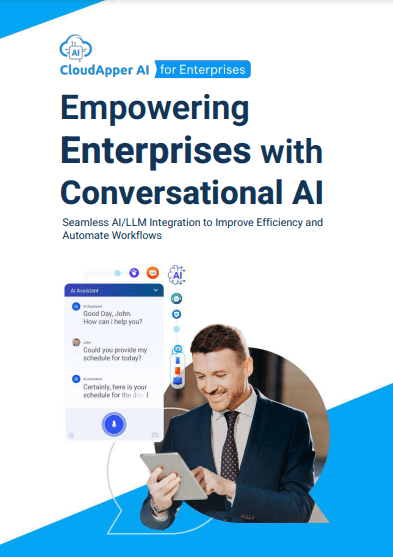
CloudApper AI Solutions

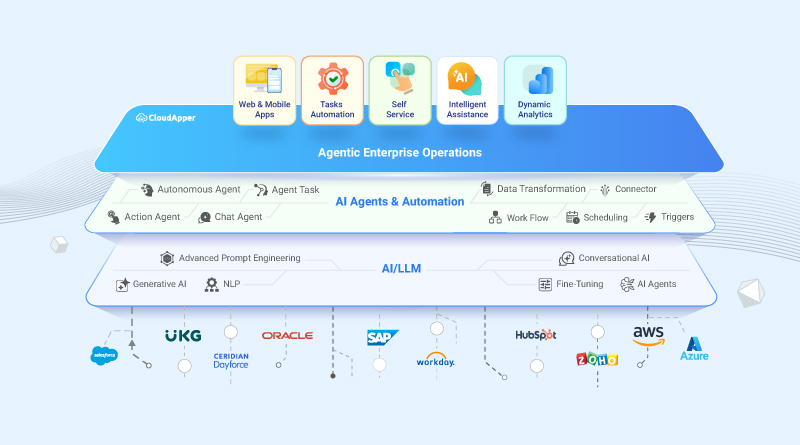
- Works with








- and more.
Similar Posts

Vendor-Built Internal Applications: The Governance Gap Enterprise IT Inherited From…

What Your AI Development Platform Vendor’s Security Review Should Actually…