- How Workday Delivers Notifications
- The Access Problem
- Why Workday Mobile Doesn’t Fully Solve It
- The Specific Notification Types That Fall Through
- What HR Teams Usually Try First
- The Communication Channel Frontline Workers Actually Use
- A Note on What This Isn’t
- Frequently Asked Questions
- Summary
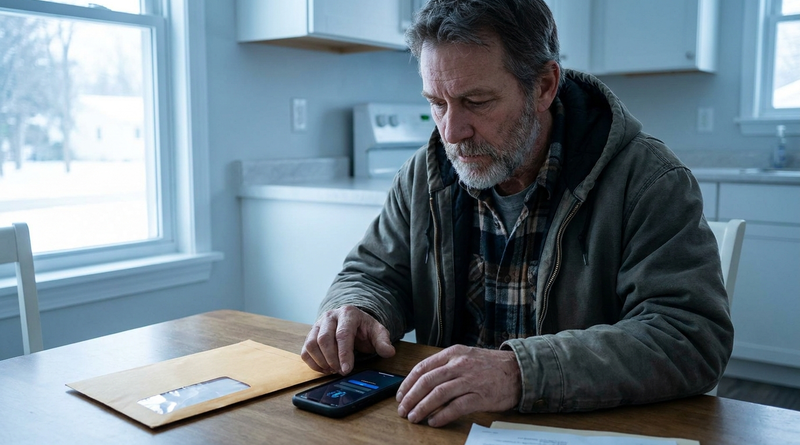
You configured the notification. It’s set up correctly in Workday. The business process fires, the alert triggers — and then nothing happens on the floor. The employee never saw it.
If this sounds familiar, you’re not dealing with a Workday bug. You’re dealing with a structural mismatch between how Workday delivers information and how your frontline workforce actually operates.
This article breaks down exactly why Workday notifications fall short for hourly and deskless workers — and what HR teams can realistically do about it.
How Workday Delivers Notifications
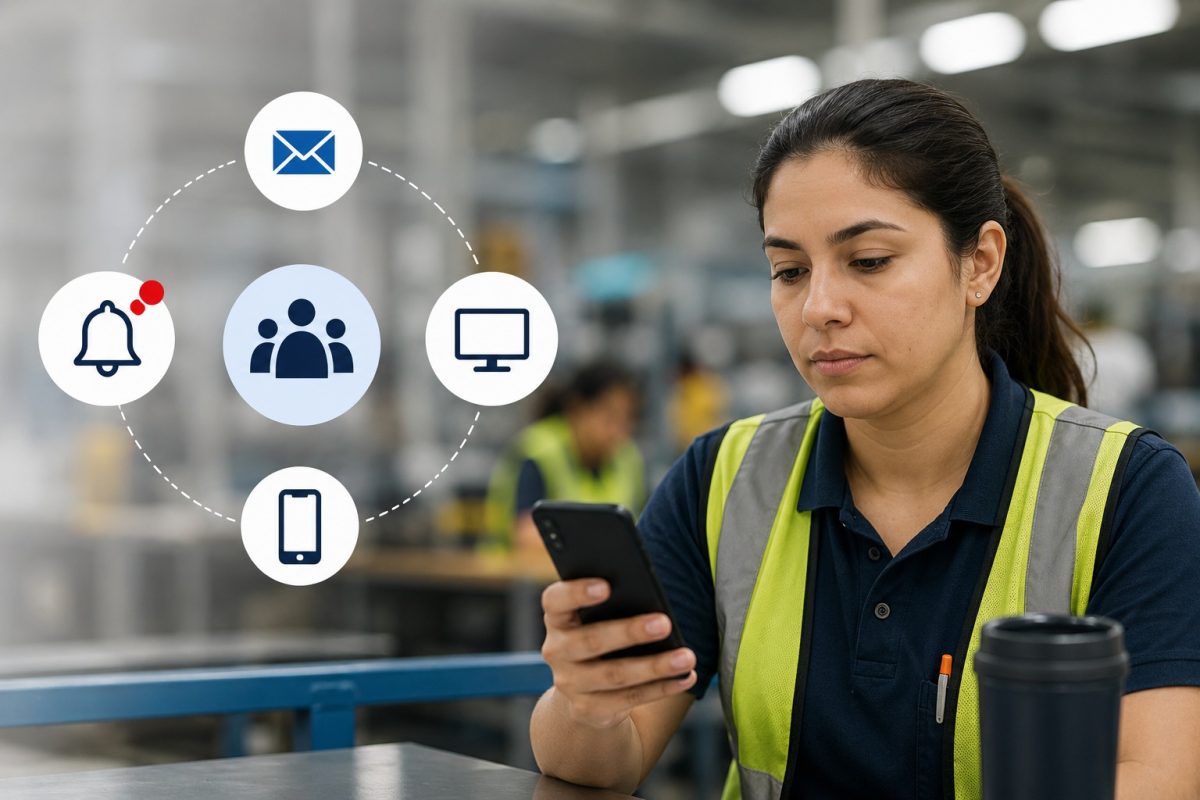
Workday’s notification system is built around a few core delivery channels:
Workday Inbox — The primary in-app destination for tasks, approvals, and alerts. Accessible through the Workday web portal or mobile app.
Email — Workday can send notification emails to the address on file in the employee record. Most organizations use corporate email addresses here.
Workday Mobile App — Push notifications are available if the employee has the app installed and notifications enabled on their device.
Bell Notifications — In-app alerts that appear within the Workday interface.
All four channels share the same dependency: the employee needs to actively use Workday. They need to log in to the web portal, have the mobile app installed, or at minimum, have a corporate email they check regularly.
For desk-based employees in corporate roles, this works reasonably well. For frontline workers in manufacturing, healthcare, retail, hospitality, and logistics, it largely doesn’t.
The Access Problem
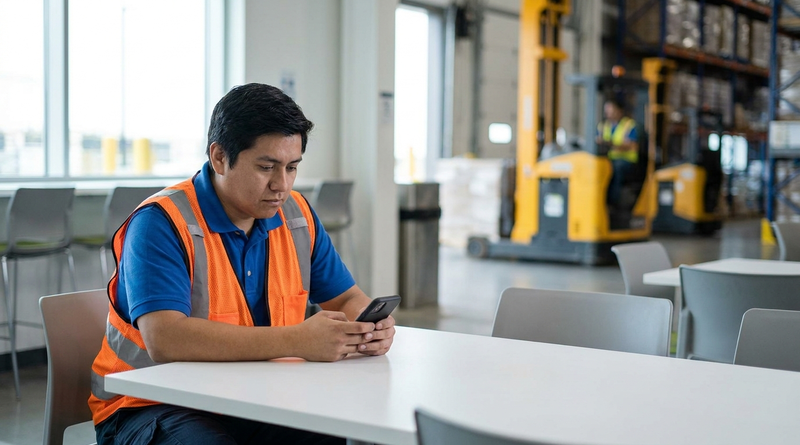
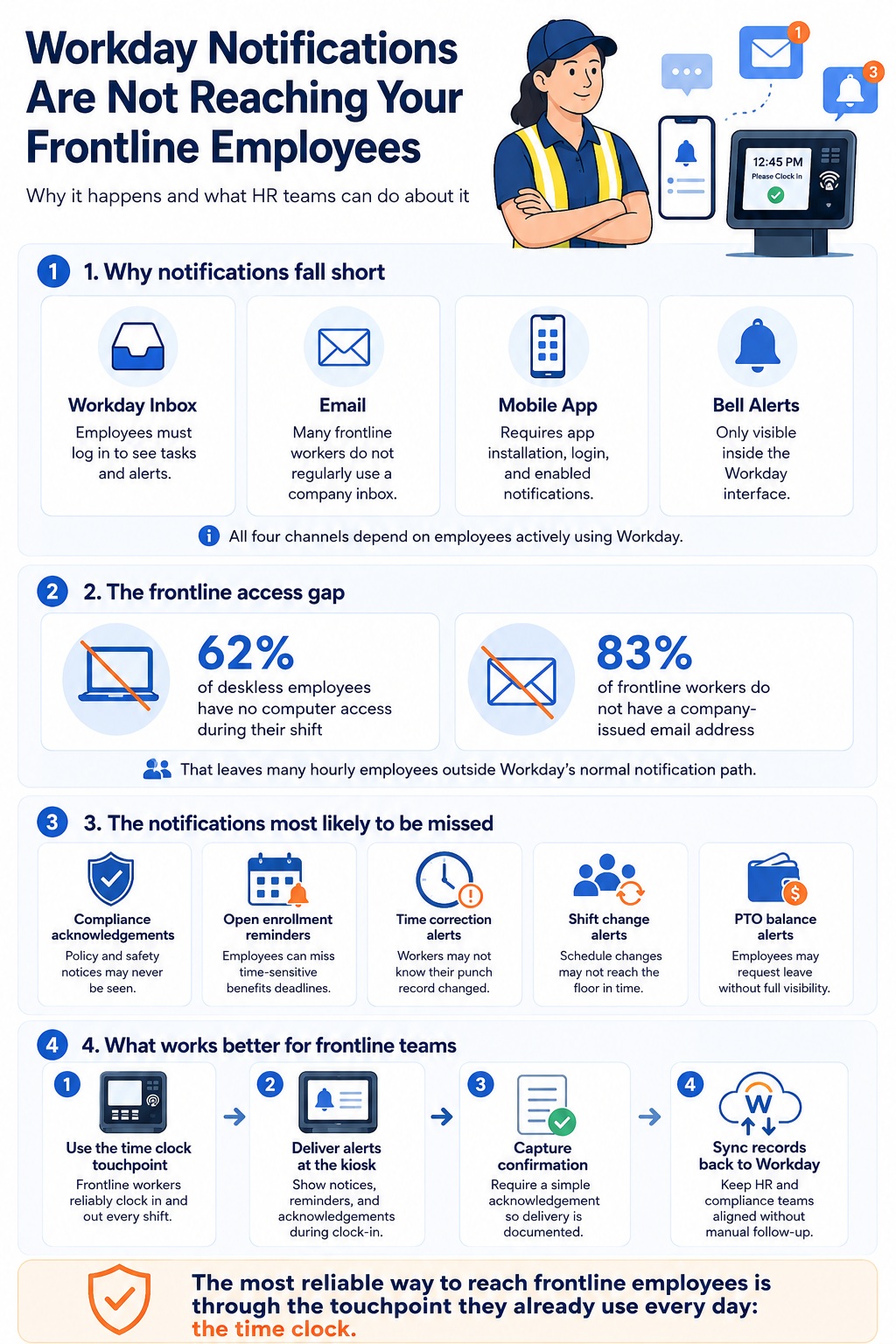
The numbers here are pretty stark. Research on frontline workforce access consistently shows that around 62% of deskless employees have no computer access during their shift. And approximately 83% of frontline workers don’t have a company-issued email address.
Those two facts alone explain most of the notification problem. Workday’s delivery channels require either a device the employee can log into, or a corporate email address they can receive messages at. Strip those away, and the notification system has nowhere to go.
This isn’t a flaw in Workday’s design — it was built for the enterprise employee profile that dominated HR systems for decades: someone with a computer, a desk, and an inbox. The workforce composition at many organizations has shifted considerably since then, but the underlying assumptions in most HCM notification systems haven’t.
Why Workday Mobile Doesn’t Fully Solve It
The Workday Mobile app is often positioned as the answer to the frontline access problem. It’s worth being clear about where it helps and where it doesn’t.
The mobile app works well for employees who have personal smartphones, are willing to install a work app on a personal device, have reliable internet access during their shift, and have a corporate login to authenticate.
In practice, a meaningful portion of hourly workers don’t satisfy all four conditions. Some organizations are also reluctant to require personal device use for work systems — both for data privacy reasons and because it creates inequity between employees who own newer smartphones and those who don’t.
Even where mobile app adoption is high, push notification delivery is dependent on device settings the employee controls. Notifications can be turned off, silenced, or missed. There’s no guaranteed delivery and no confirmation that the employee actually saw the message.
The Specific Notification Types That Fall Through
Not all Workday notifications fail equally for frontline workers. Some are more likely to create operational problems than others.
Compliance acknowledgements: If your organization uses Workday to distribute policy updates, safety notices, or required acknowledgements, frontline workers who never log in will never receive them — and you may have no audit trail showing they were notified.
Open enrollment reminders: Benefits enrollment windows are time-sensitive. Employees who miss notifications about open enrollment or deadlines can end up with coverage gaps they weren’t expecting.
Time correction notifications: When a supervisor edits a punch record in Workday, the affected employee often receives no notification that their time record changed. For employees without Workday access, this gap is permanent — they have no visibility into corrections made to their own records.
Shift change alerts: Schedule changes made in Workday don’t automatically reach workers who aren’t checking the portal. For shift-based operations, this is a daily operational risk.
PTO balance alerts: Employees who don’t know their leave balances submit time-off requests blind — sometimes requesting unpaid leave without realizing it, which creates downstream payroll and employee relations issues.
What HR Teams Usually Try First
Most HR teams dealing with this problem improvise solutions that work partially but create their own overhead.
Manager cascade: Supervisors are expected to relay HR communications to their teams verbally or through department channels. This is unreliable. Information gets filtered, delayed, or forgotten. It also puts compliance-critical communication into an undocumented channel.
Posted notices: Physical bulletin boards and printed communications reach people who walk past them — which isn’t everyone, and creates no read confirmation.
Personal email or text: Some organizations collect personal contact information and send communications outside Workday. This creates data management and privacy considerations, and it fragments your communication record across multiple systems.
SMS from Workday: Workday supports SMS notifications in some configurations, but it requires valid mobile numbers on file and is limited in terms of which notification types support SMS delivery natively.
None of these are wrong, exactly. Organizations use combinations of all of them. But they’re all workarounds for a gap in the system, and they all require ongoing manual effort to maintain.
The Communication Channel Frontline Workers Actually Use
Here’s what frontline employees do interact with consistently: the time clock.
Clock-in and clock-out are mandatory touchpoints for hourly workers. Almost every frontline employee engages with some version of a time-recording system every shift, regardless of whether they have a company email address or the Workday mobile app installed.
Organizations that have shifted HR communication to happen at the clock-in moment — rather than through the Workday portal or corporate email — tend to see much higher reach rates for frontline notifications.
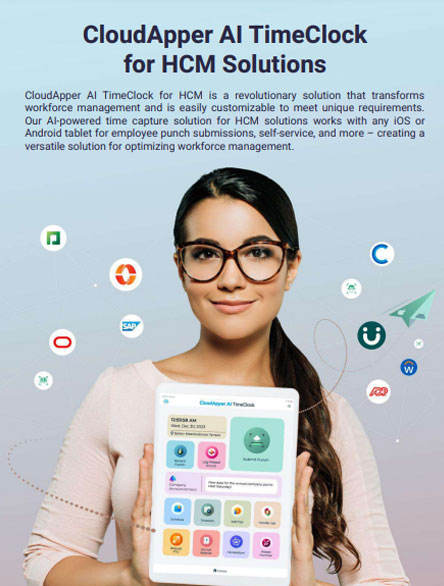
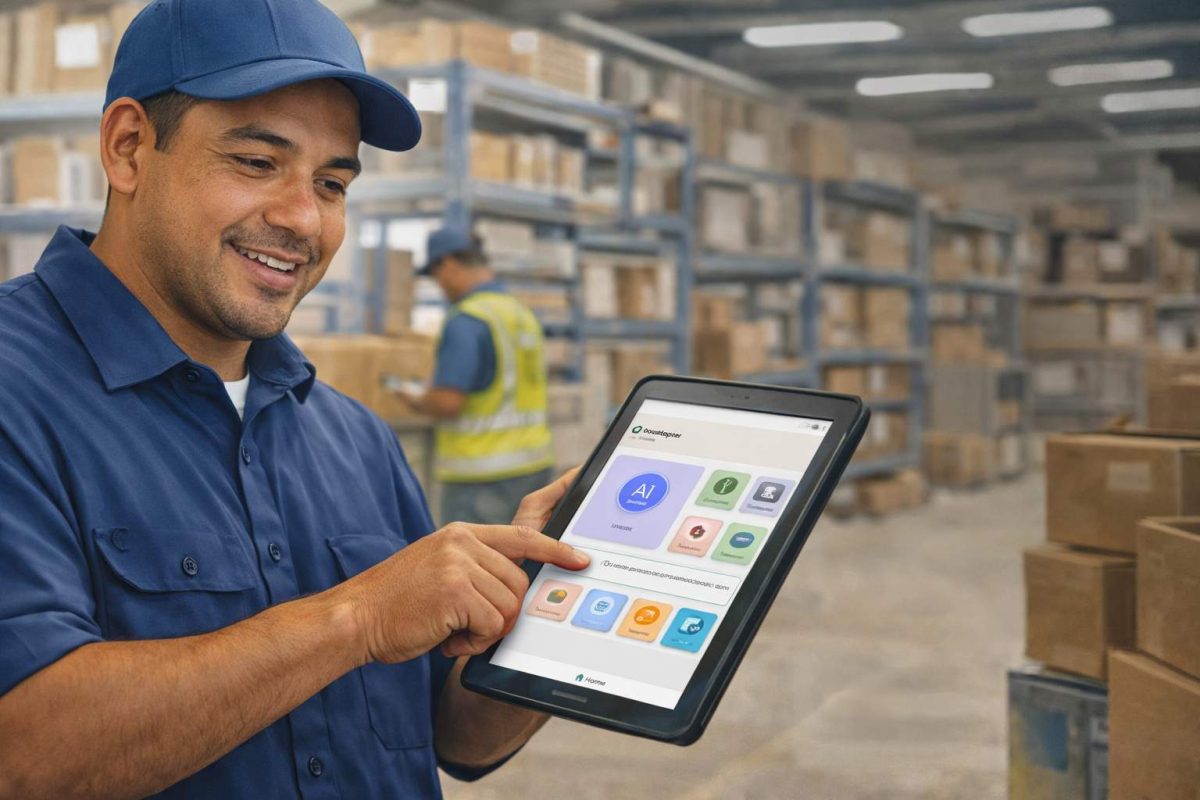
The practical version of this is a shared tablet kiosk at a facility entrance or break room: employees authenticate with a face scan or badge, clock in, and during that interaction receive any alerts or acknowledgements queued for them. Policy notices, shift change confirmations, open enrollment reminders, time correction alerts — all delivered at a moment when the employee is already present and engaged.
This is the model CloudApper hrPad is built around. It sits alongside Workday as a frontline-facing layer — employees clock in and interact with it physically, rather than through a portal they may never open. Notifications that Workday generates, and alerts HR teams need to deliver, get surfaced at the kiosk touchpoint and synced back to Workday as records. For compliance-sensitive communications, the acknowledgement is logged and flows into Workday automatically, creating an audit trail without manual HR follow-up.
The kiosk approach isn’t the only solution to this problem, but it’s the one that doesn’t require employees to own a smartphone, have a corporate email, or remember to log into a portal during their shift.
A Note on What This Isn’t
It’s worth being clear: the frontline notification gap isn’t something you can fully solve through Workday configuration alone. There’s no setting in the tenant that routes notifications to employees who don’t have Workday access credentials.
Some organizations attempt to give all frontline workers Workday logins to close this gap. This works if employees actually use those credentials — but adoption is often low for workers who have no other reason to open Workday. Creating accounts doesn’t create engagement.
The more durable fix is to separate the question of notification delivery from the question of Workday access. Employees don’t need to be logged into Workday to receive an HR alert. They need a touchpoint that’s already part of their daily routine.
Frequently Asked Questions
Why are Workday notifications not reaching my employees?
Workday’s notification system depends on employees having corporate email addresses, Workday logins, or the mobile app installed. Frontline and deskless workers who lack these access points will never receive Workday notifications, regardless of how the notifications are configured.
Can Workday send SMS notifications to employees?
Workday supports SMS for some notification types, but it requires valid mobile numbers on file in the employee record and is not available for all notification categories natively. Coverage is inconsistent depending on configuration and Workday version.
Does the Workday mobile app solve the frontline notification problem?
Partially. It works for employees who have smartphones, install the app, and maintain active logins. For hourly workers without company devices or employees who don’t use the app regularly, push notifications are unreliable.
What types of Workday notifications are most commonly missed by frontline workers?
Compliance acknowledgements, open enrollment reminders, time record corrections, shift change alerts, and PTO balance warnings are the most operationally significant notifications that tend not to reach deskless employees.
How do you send HR notifications to employees without corporate email?
The most reliable approach is to deliver notifications through a channel the employee already uses consistently — in many frontline environments, that’s the time clock or an HR kiosk at a shared physical location. Tools like CloudApper hrPad deliver Workday-connected notifications at the clock-in touchpoint, without requiring a corporate email or personal device.
Is there a way to track whether frontline employees received a Workday notification?
Through native Workday, delivery confirmation for frontline workers is limited. Kiosk-based solutions that require an employee interaction at clock-in — including an acknowledgement click — create a documented record of receipt that can be synced back to Workday.
Summary
Workday’s notification system is well-designed for office and desk-based workers. For organizations with significant frontline or hourly workforces, the delivery channels — corporate email, web portal, mobile app — create a structural gap that configuration changes alone can’t close.
The practical fix isn’t more Workday customization. It’s adding a communication layer at the touchpoints frontline employees already use. For most shift-based operations, that means the time clock.
If you’re trying to close this gap at your organization, the CloudApper team can walk you through how hrPad works alongside Workday — no Workday changes required.

What is CloudApper AI Platform?
CloudApper AI is an advanced platform that enables organizations to integrate AI into their existing enterprise systems effortlessly, without the need for technical expertise, costly development, or upgrading the underlying infrastructure. By transforming legacy systems into AI-capable solutions, CloudApper allows companies to harness the power of Generative AI quickly and efficiently. This approach has been successfully implemented with leading systems like UKG, Workday, Oracle, Paradox, Amazon AWS Bedrock and can be applied across various industries, helping businesses enhance productivity, automate processes, and gain deeper insights without the usual complexities. With CloudApper AI, you can start experiencing the transformative benefits of AI today. Learn More
- Useful Links:
- Agentic AI
- No-Code/Low-Code
- Custom Software
- HCM Personalization
- iPaaS
- FedRAMP